Karate Scrapbook Layouts

Karate Scrapbook Layout

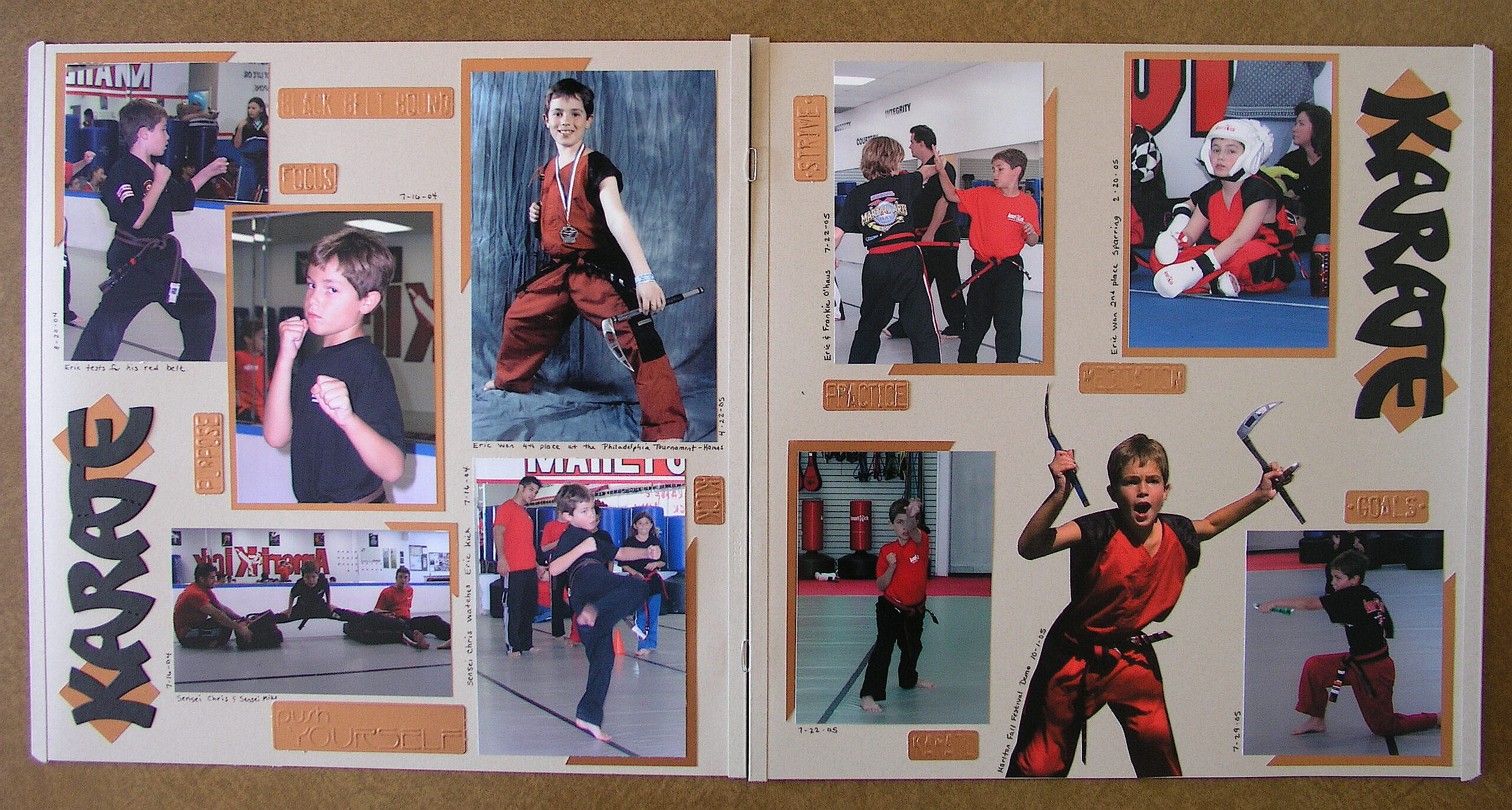
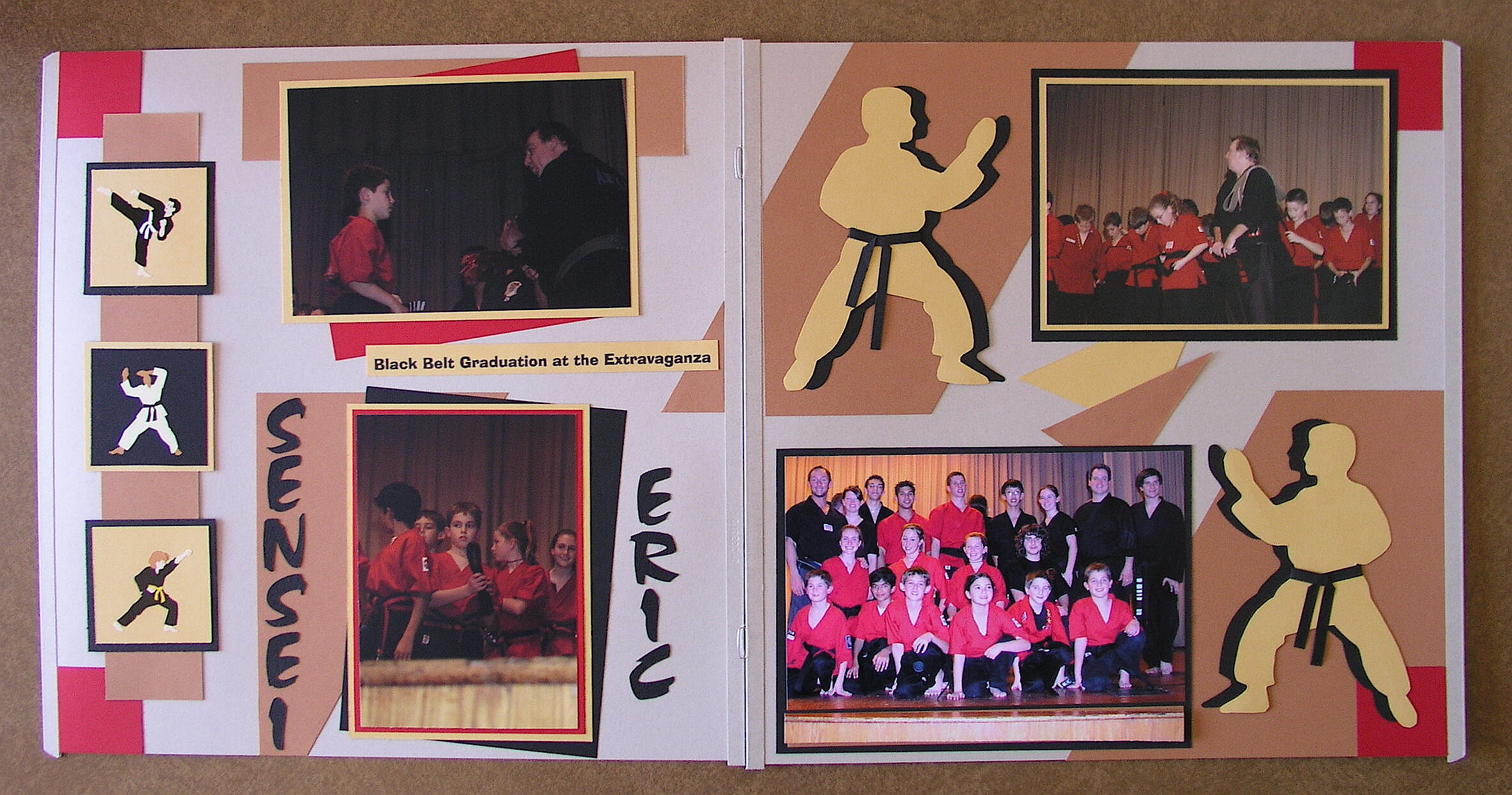
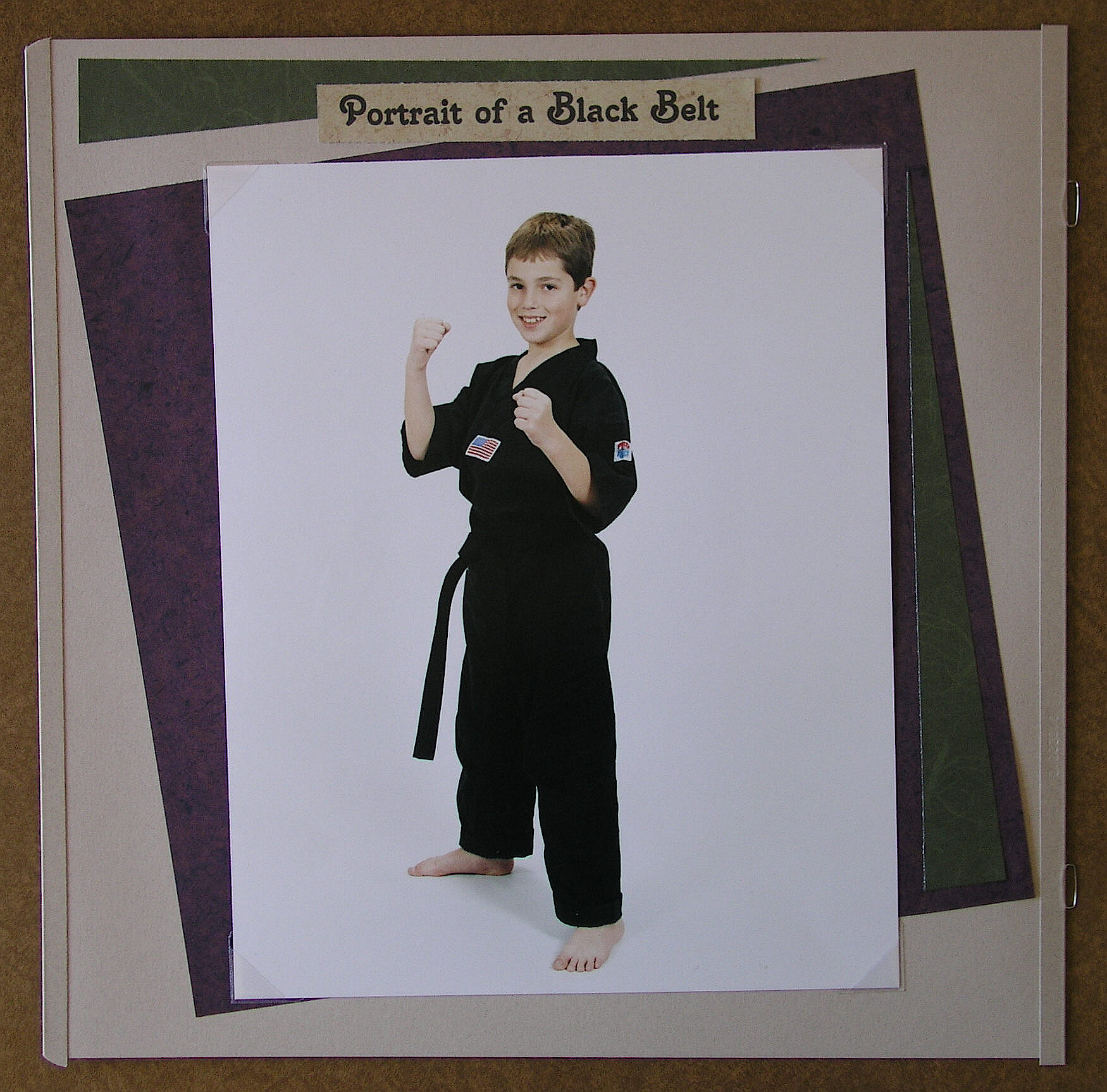
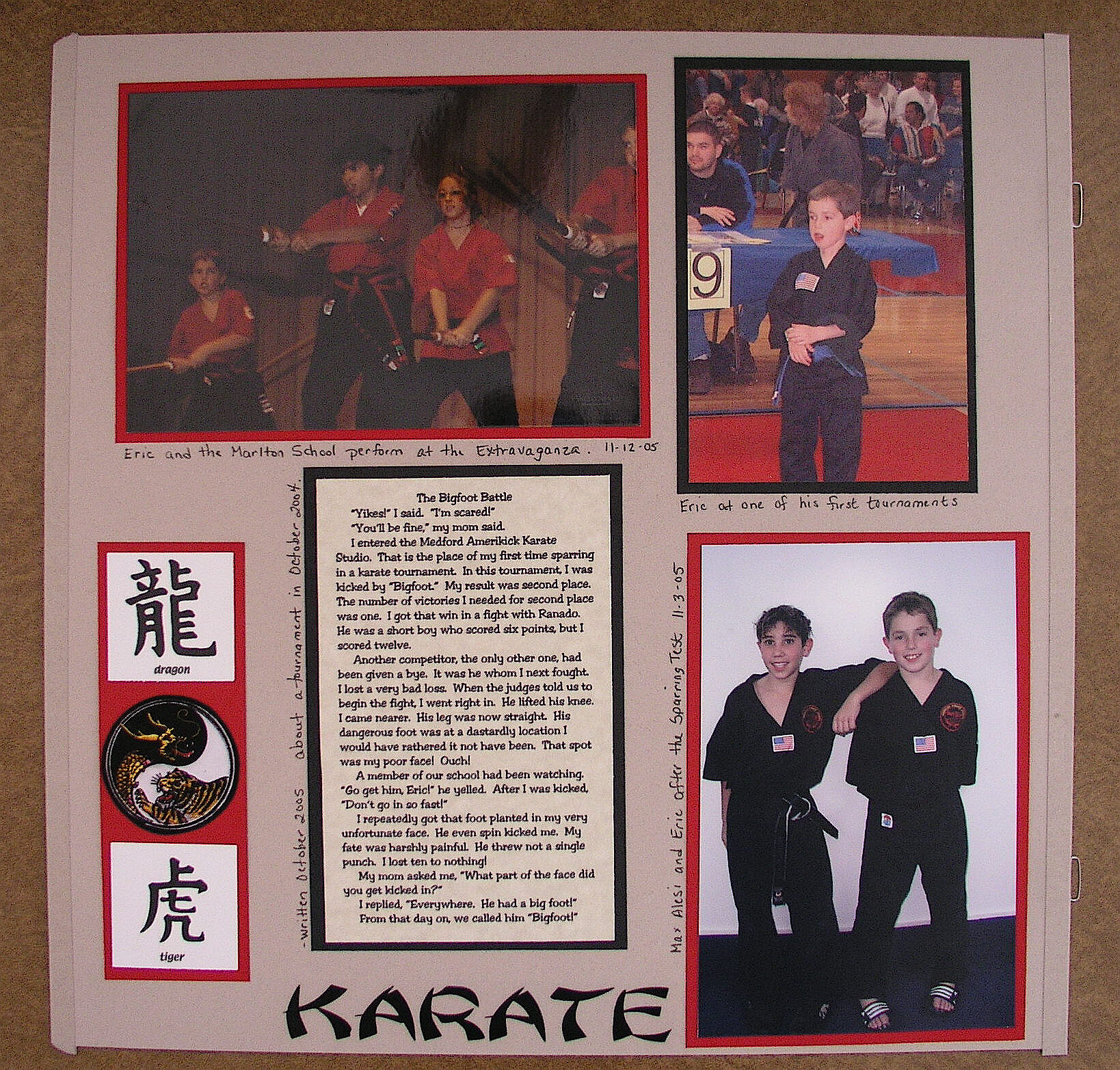
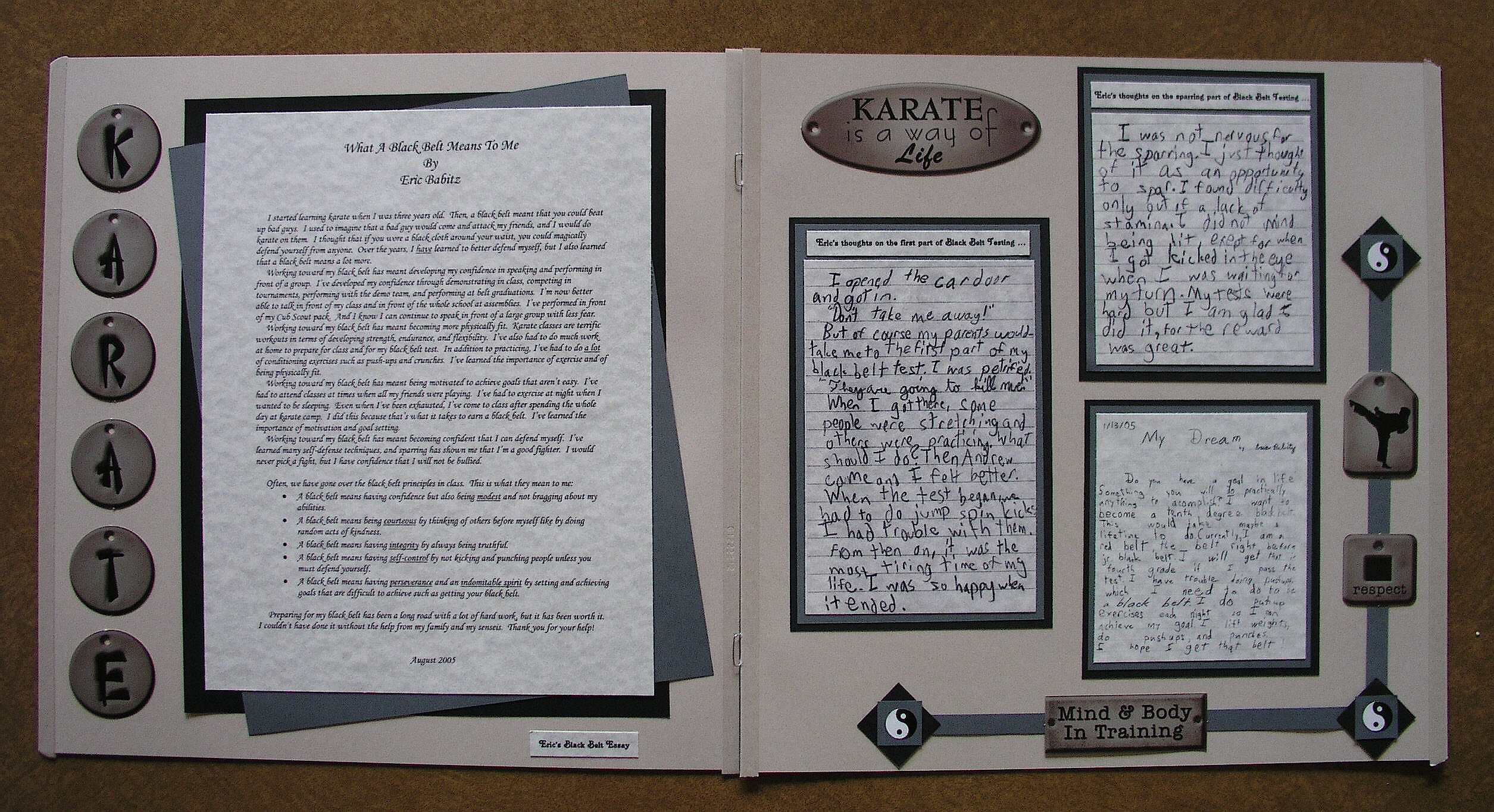
As I mentioned earlier, the scrapbooks I do are for each of my kids, starting from birth and documenting everything and anything until … well, I guess that depends on how far I get!  The idea is to go through high school, but we’ll see!  Anyway, in addition to their general books, I had planned to also make a karate themed book for each of them when they earned their black belts.  I finished Eric’s when he earned his junior black belt and need to add pages now that he earned his adult 1st degree.  I still need to do Kelly’s, Kevin’s and Keith’s books.

These are the layouts in Eric’s book so far.
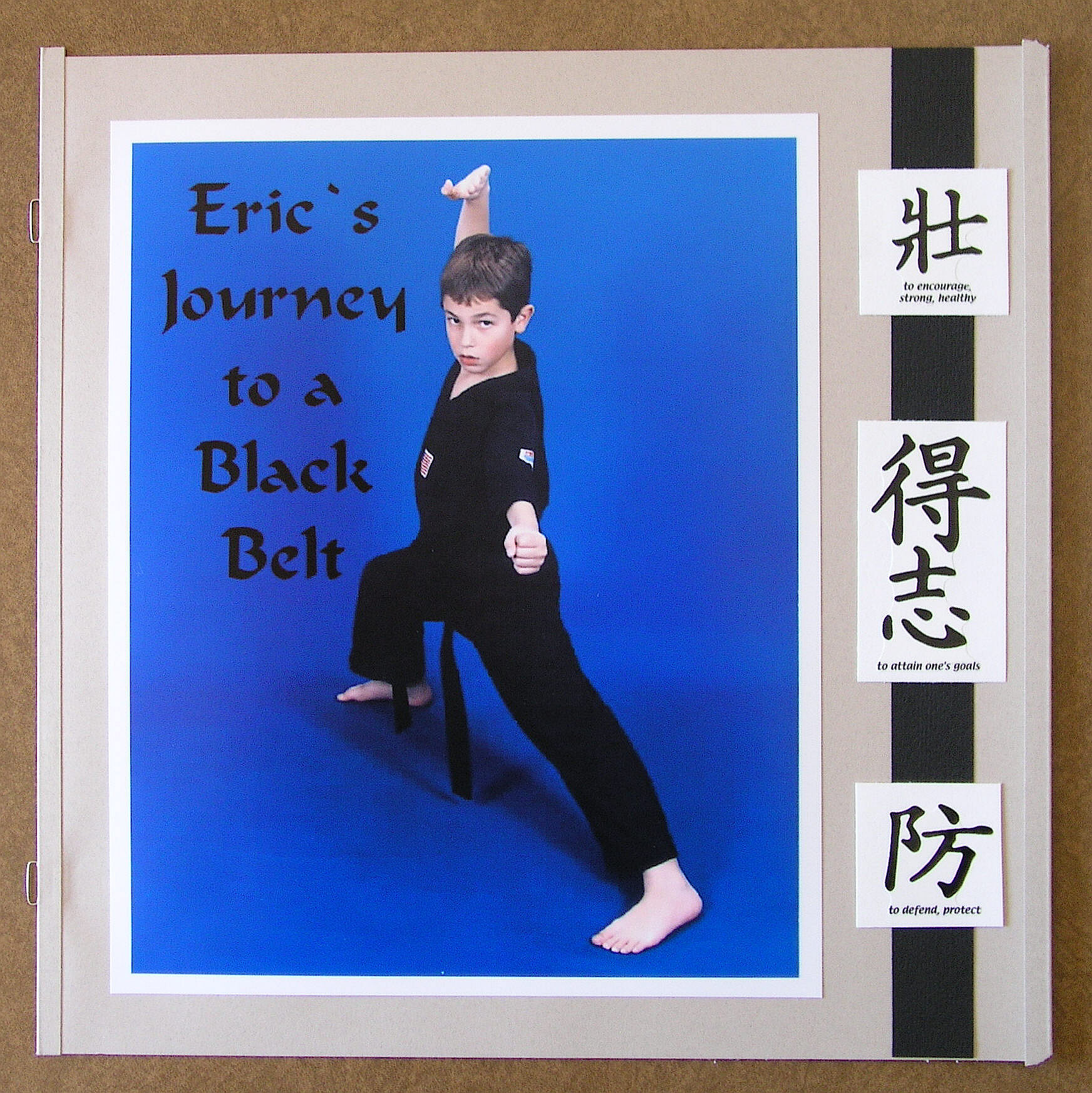
"Title Page"

“Title Page”

"Karate Kid"

“Karate Kid”

"Older Candids"

“Older Candids”

"Part 1 of Black Belt Testing"

“Part 1 of Black Belt Testing – Curriculum”

"Part 1 of Black Belt Testing pg. 2"

“Part 1 of Black Belt Testing – Curriculum (pg. 2)”

"Sparring Test"

“Sparring Test”

"Belt Flipping Ceremony"

“Belt Flipping Ceremony”

"Ticket to the Black Belt Extravaganza"

“Ticket to the Black Belt Extravaganza”

"Extravaganza Performance"

“Extravaganza Performance”

"Belt Graduation Ceremony at Extravaganza"

“Belt Graduation Ceremony at Extravaganza”

"Sensei Eric Receives his Diploma:

“Sensei Eric Receives his Diploma”
a120 Scrapbook page_ portrait single

a130 Scrapbook page_ portrait pg 1

a140 Scrapbook page_ portrait pg 2

"Eric's Thoughts"

“Eric’s Thoughts”

"The Creeds"

“The Creeds”

a170 Scrapbook page_ last page misc

Several of these pages were featured on martialartspartystore.com.


What was very difficult about doing these pages back in 2005 was the lack of martial arts materials and supplies.  After much searching and frustration, I found a woman (who owned a scrapbook supply store which has since closed, I think) who had an electronic die cutting machine (which I had never heard of before).  I’m not sure what kind she had but it was a huge machine, and she had CD’s with tons of images from which to choose.  Luckily, she had quite a few karate images.  She cut 4 of everything for me so I have all the dies ready for Kelly’s, Kevin’s and Keith’s books when I am able to do them.  (I was there all afternoon; that poor woman!!)  I also was fortunate to find the website martialartspartystore.com (no longer in business) which had a lot of great stuff.  I laugh now because I could cut my own stuff out with my Silhouette, and there seems to be so much more online, but back then… very little!


This page was not in the karate scrapbook but was in Eric’s regular scrapbook showing his first belt test.

"First Belt Test"

“First Belt Test”


Thanks for checking out my post!

How to Make a Frame with a Paper Trimmer

How to Make a Frame with a Paper Trimmer

I made this tutorial to answer this specific question asked by a member on StampTV:   “I want to frame designs without using a whole sheet of the framing paper under the stamped object. Basically, just a frame with no inner paper. How is this done?  Unfortunately, most dies do not always fit the stamped design. I would like to find a way to use a paper cutter to achieve the results.”


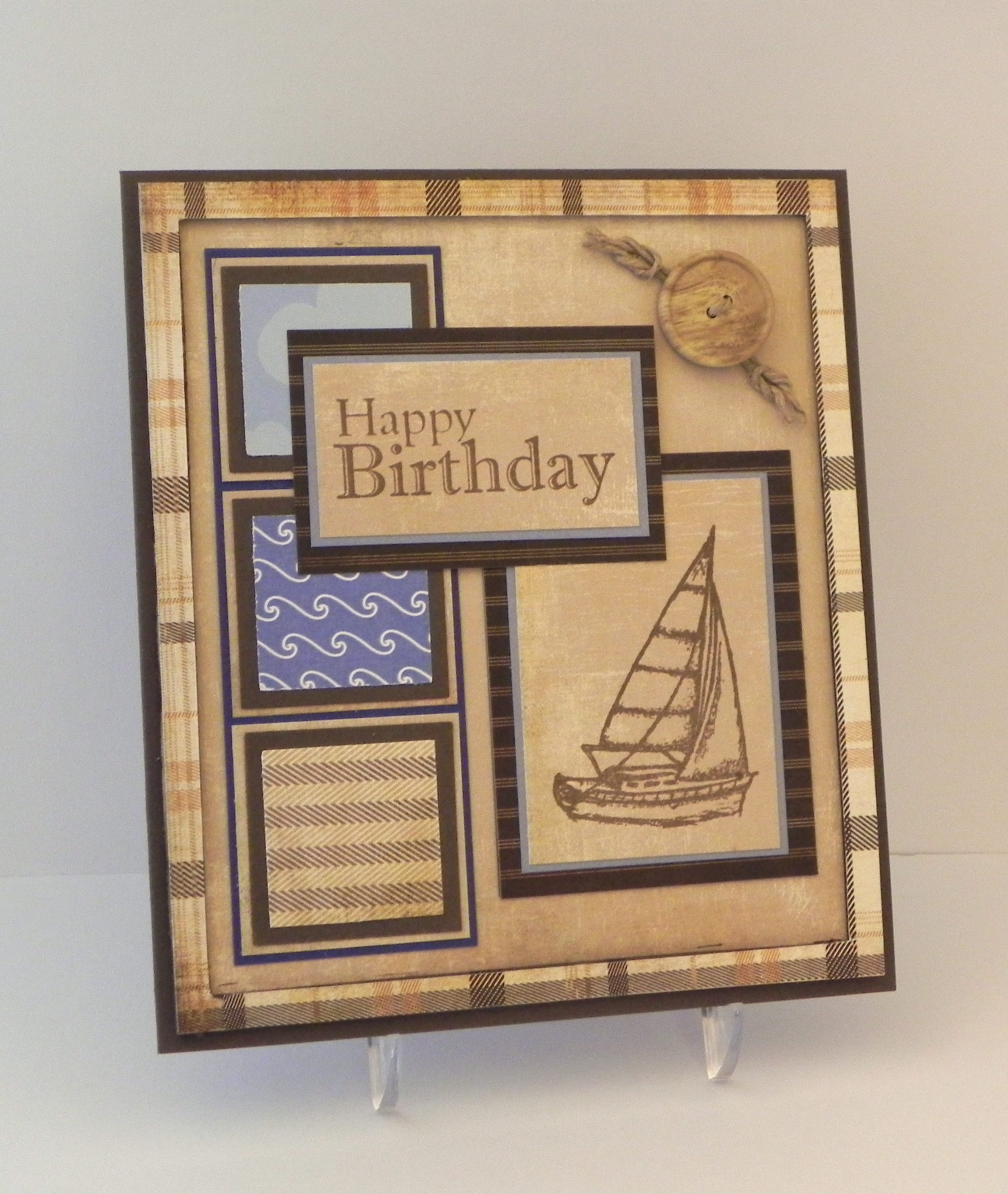
I recently used my paper trimmer to make the plaid frame on this card:

Nautical Birthday

 (Click HERE to see original card post.)


Here’s how I did it:

I’m using a Fiskar’s trimmer, although any trimmer with a sliding blade will work basically the same way. (Click on a photo if you need a closer view.)

010


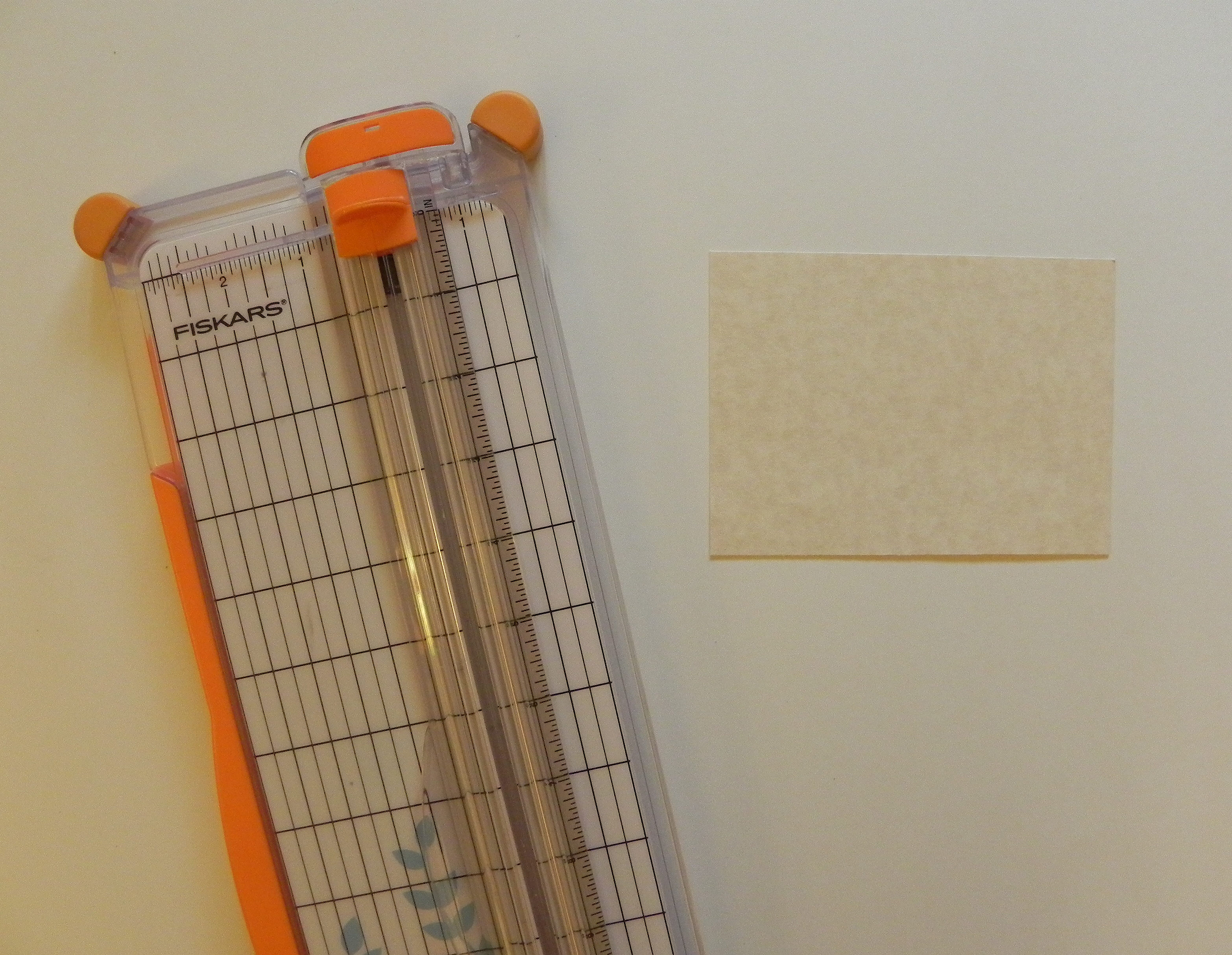
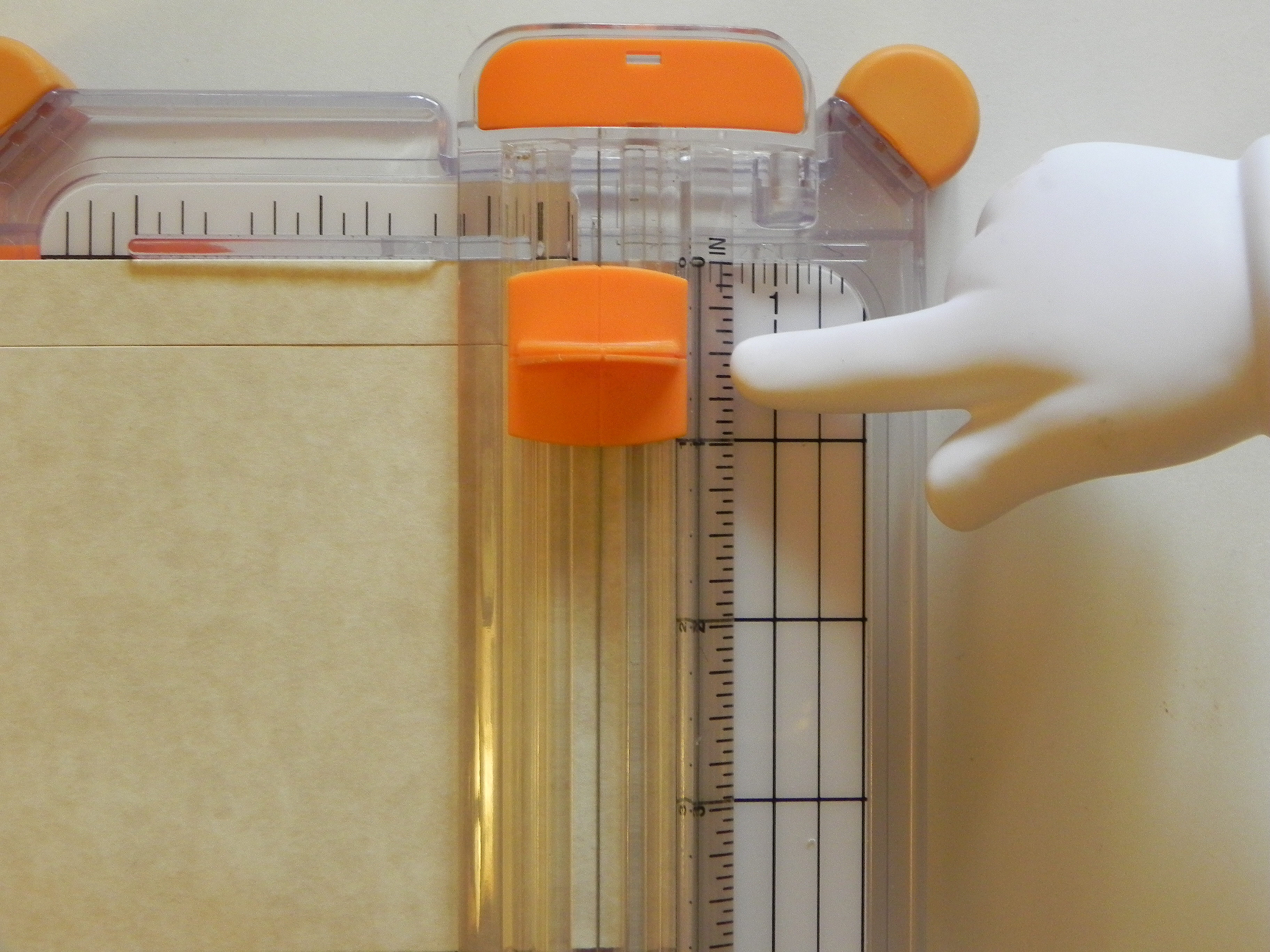
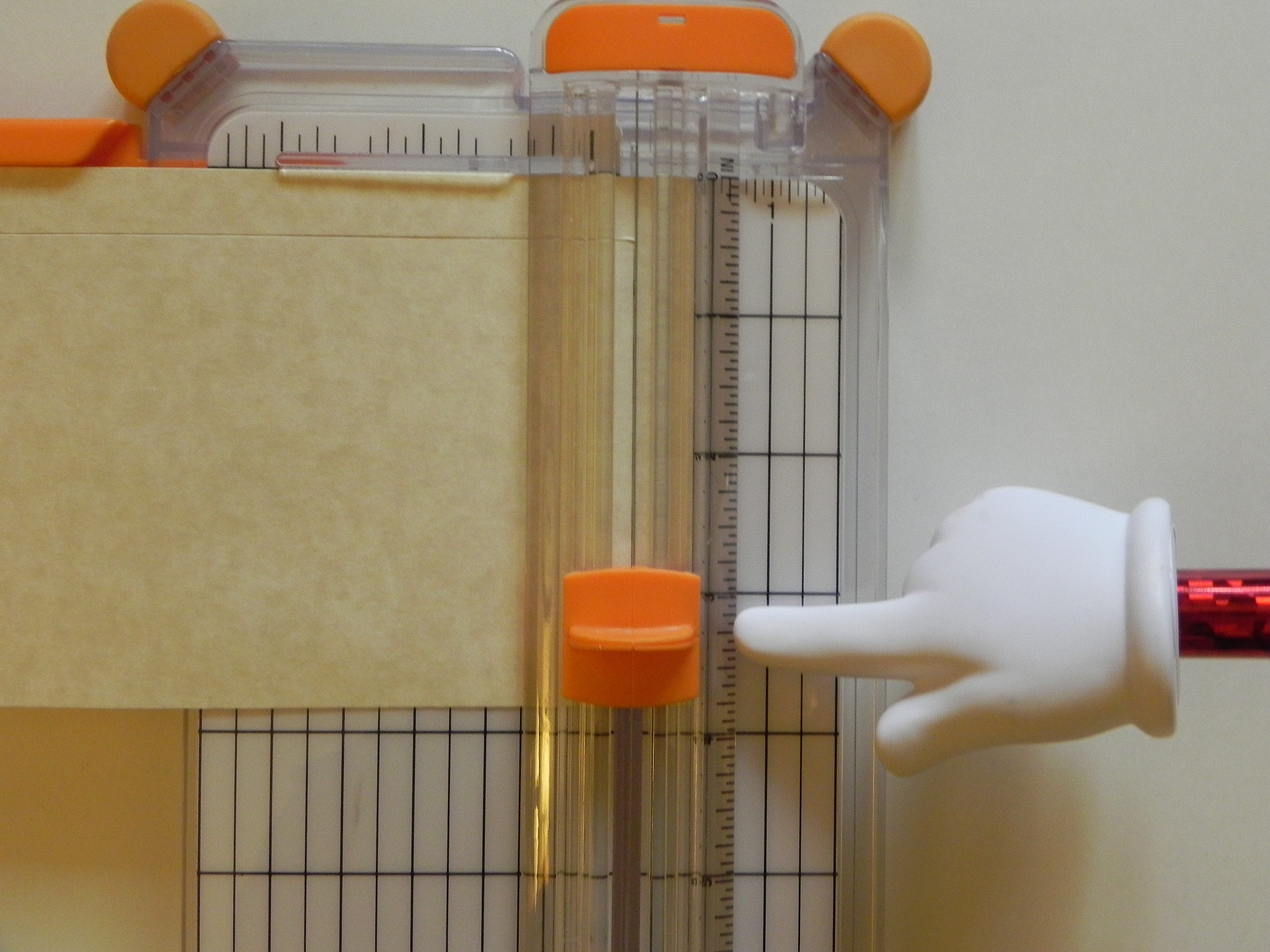
Notice the lines on the blade handle.  These lines indicate where the blade is “hiding” underneath.  Since you cannot see the blade when it is down, you use these lines to position the blade where you want to make a cut.  (If your trimmer does not have lines, you can use a Sharpie to make a mark on the edge of your blade handle that lines up with your blade.)

015  020


Notice the place on the trimmer where the blade actually makes the cut.


030


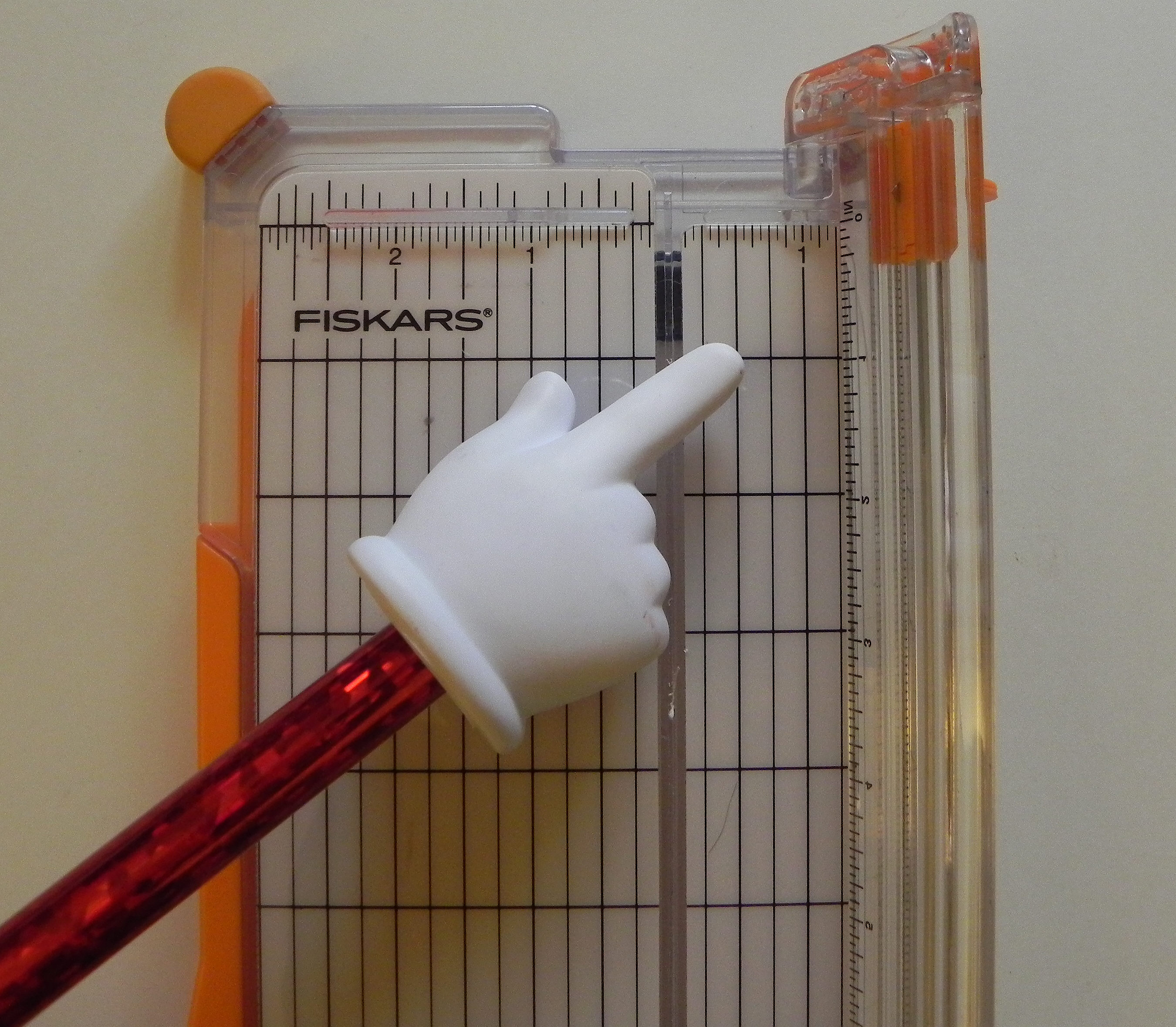
Let’s say you want to make a half inch frame.  You want to find the mark on the trimmer that is 1/2 inch from the place where the blade is cutting.  On my trimmer, you could go a half inch to the right or left.  I am going to use the half inch mark on the right of the cut line.

050


Line up the edge of your paper from which you plan to cut the frame at the 1/2 inch mark indicated in the previous step.

060


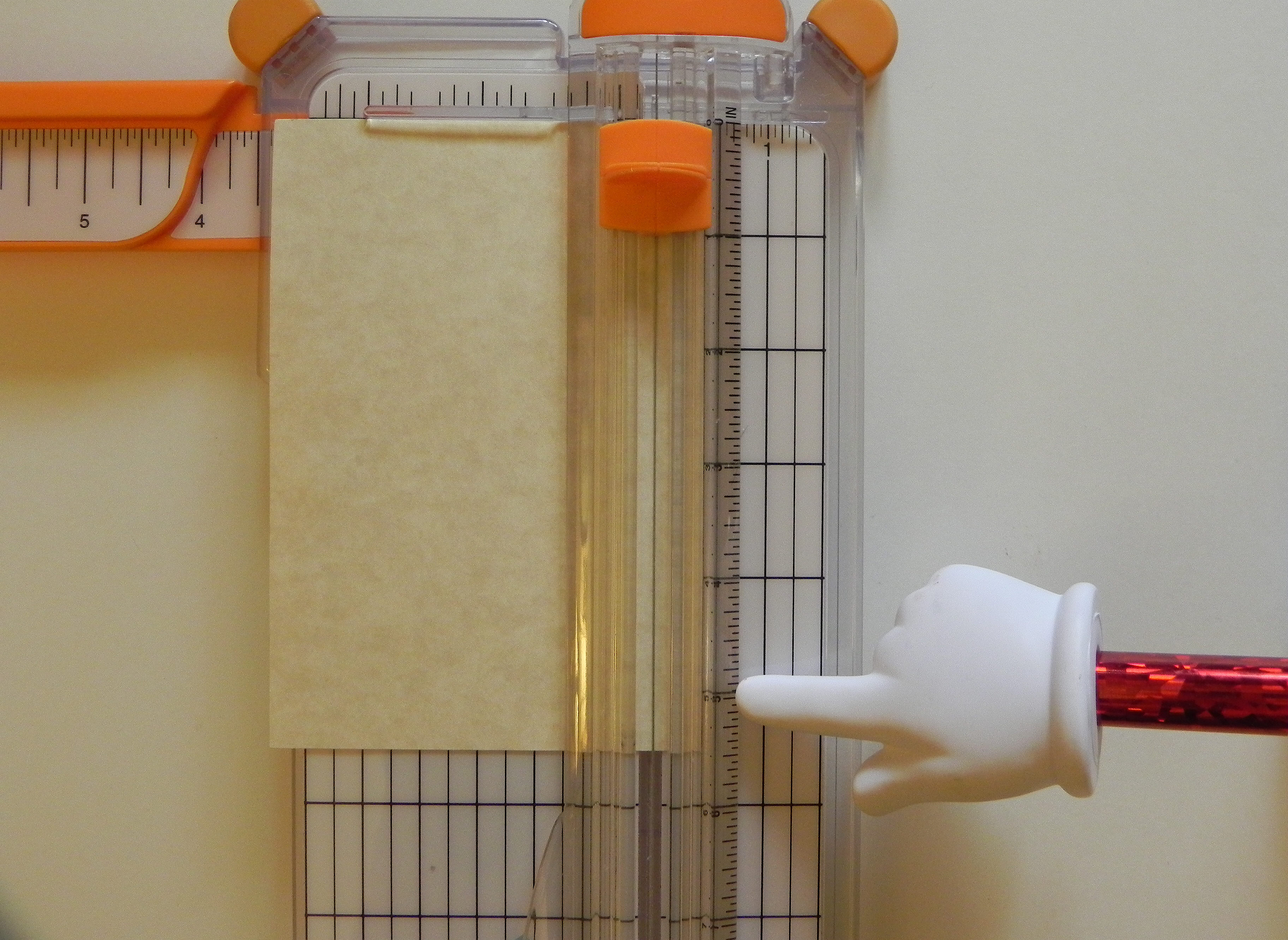
You want to line up the marks on the side of the blade handle with the 1/2 inch mark (from the top of the paper) on the ruler where the blade slides back and forth.  DO NOT drag the blade into position; it will cut your paper.  Lift the blade off the paper to position it.  Then put it on the paper.  The blade positioned here on the ruler is going to start cutting 1/2 inch from the top.

080

(Just a quick note – The lines on the side of the blade handle usually start all the way at the top or zero mark on the ruler and the blade will cut from the edge of the paper when in this position.  This in NOT where you want it for the frame!)

011


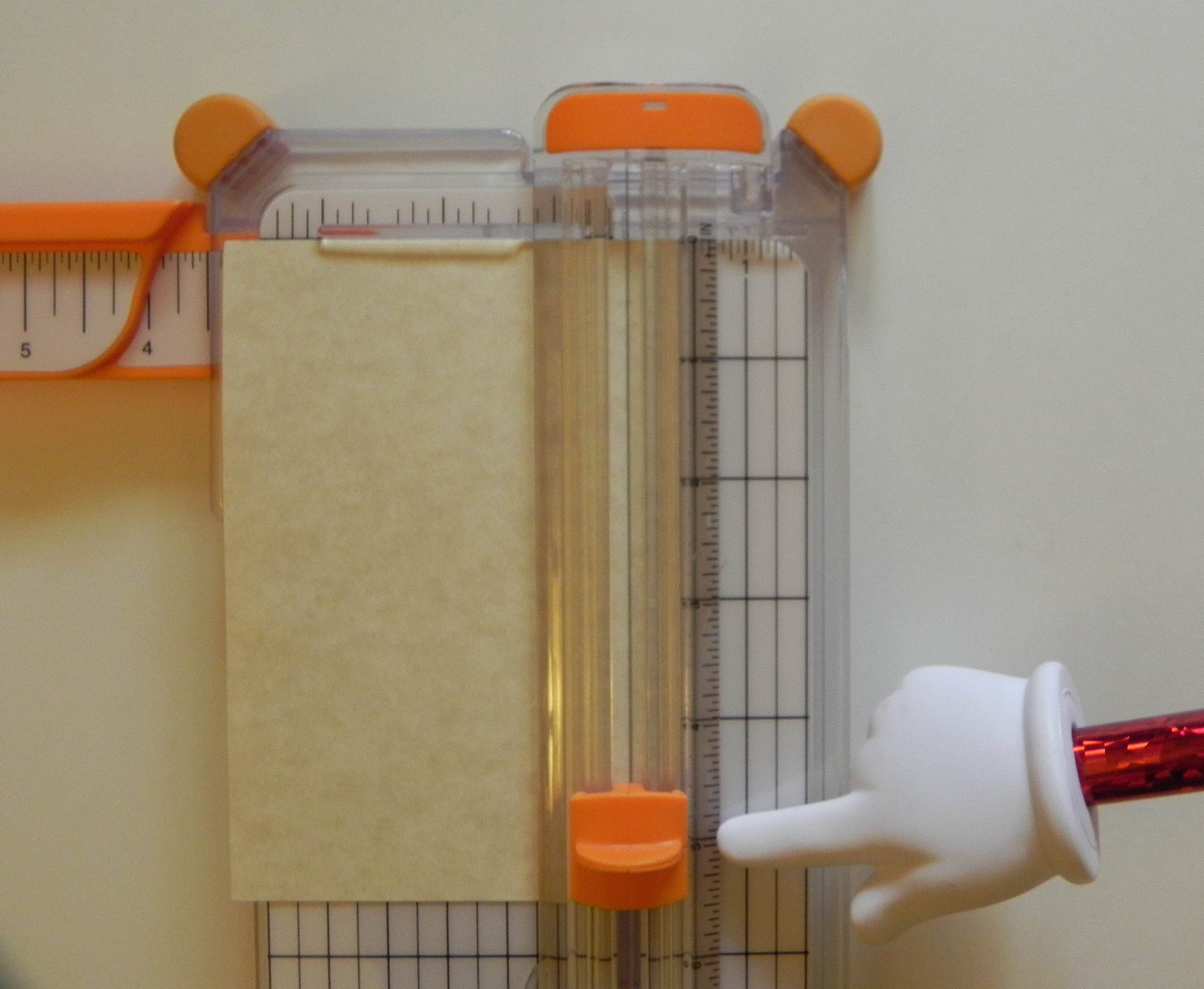
Before you drag the blade down the paper to make your first cut, note where you will be stopping which will be 1/2 inch from the bottom of the paper.

090


Now drag your blade down to the point you noted (1/2 inch from the bottom.)

100


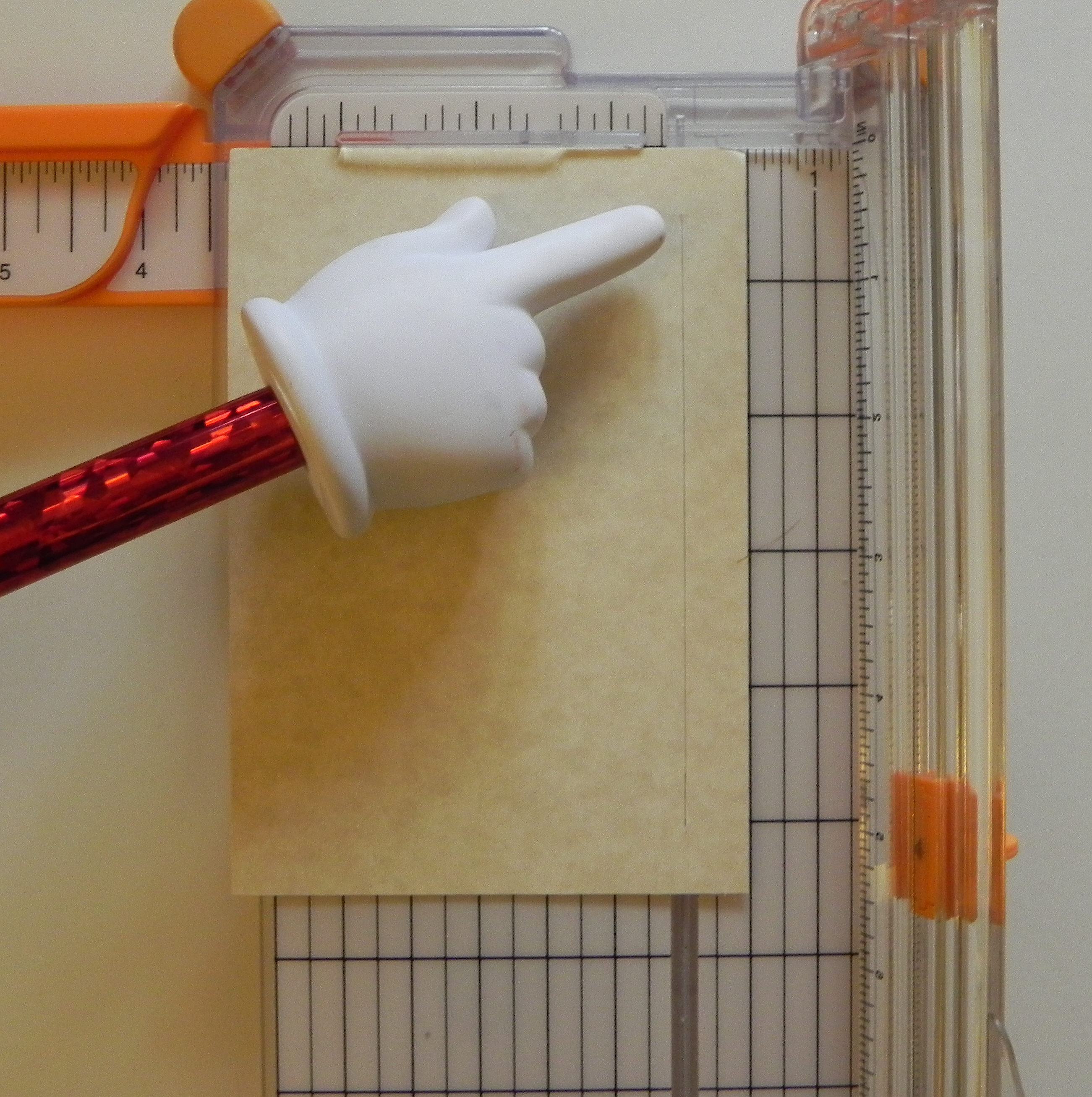
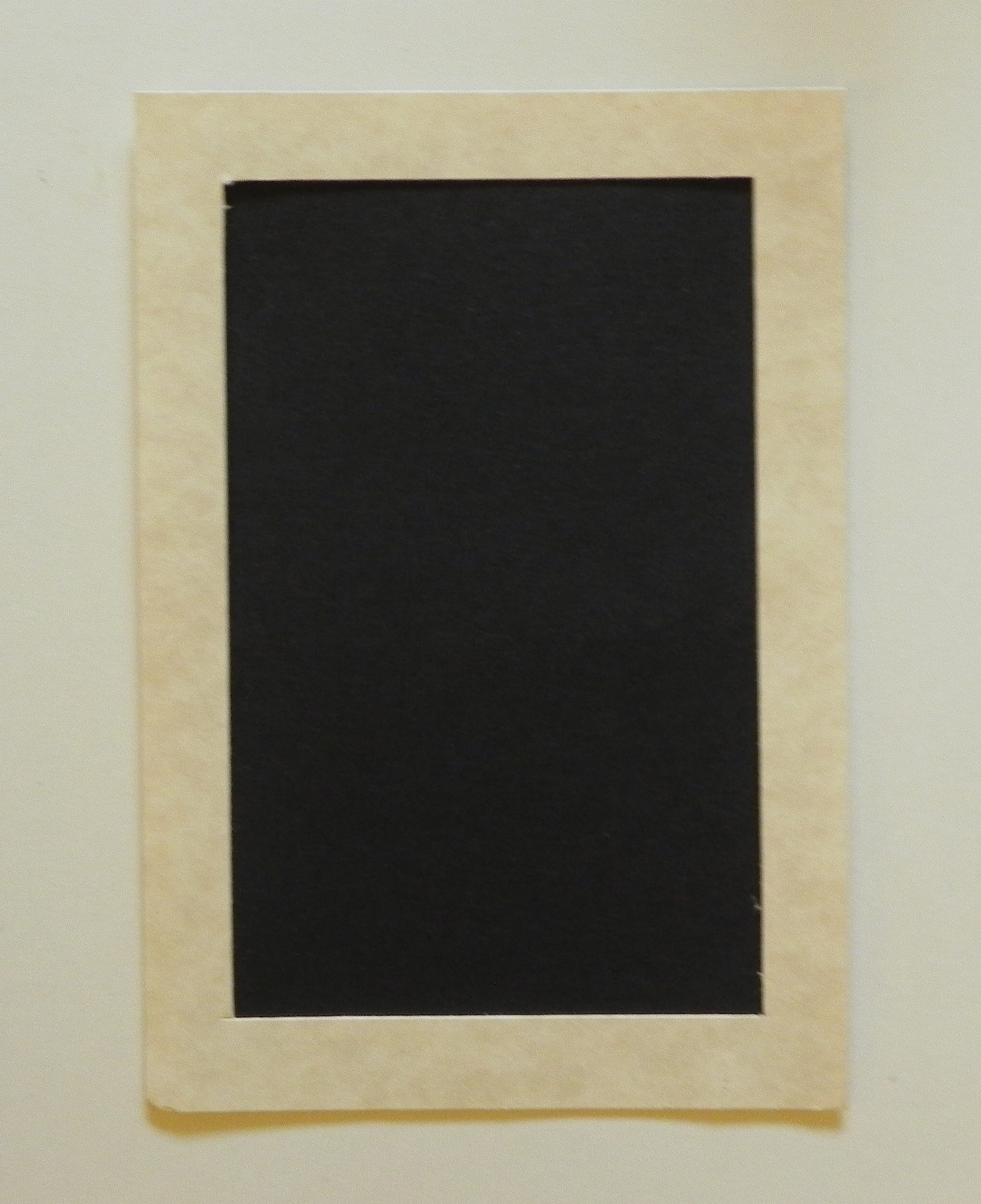
Here’s your first cut.  Notice that it is an interior cut that does not go off the top or the bottom.  It starts 1/2 inch from the top and stops 1/2 inch from the bottom.

110   120


Now turn your paper a quarter of the way around to make your second cut.  Again, make sure it lines up with the 1/2 inch line on your trimmer like before.

130


Again, line up your blade 1/2 inch down from the top of the paper using the ruler where the blade slides up and down.  (DO NOT drag it on the paper to get it in position.)

140


Before cutting, note where you will stop, 1/2 inch from the bottom of your paper.

150


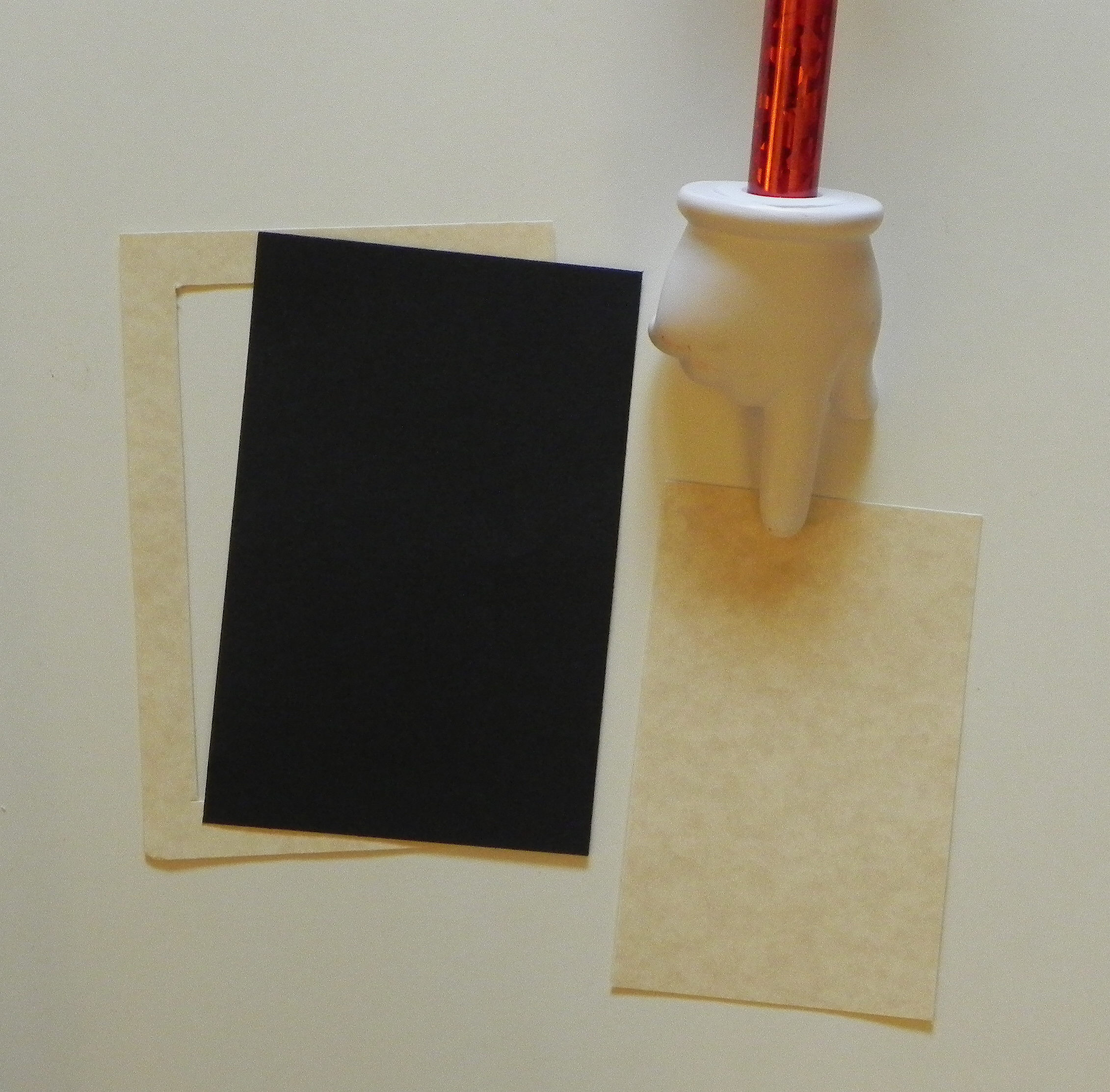
You will do this for all 4 sides.  When you are done, you will have a frame and a rectangle from the center.  You can use this rectangle to make another smaller frame or for whatever you want!

160


Once you have your frame cut out, you have 2 options.  You can either put the panel you want framed (my example is the black paper) behind the frame you just cut out, and the frame will be on top.  Or you can place your image on top to use it as a mat.  Because you took the time to cut out the center, you have saved some of the paper for another use.  If you do it this way, your frame doesn’t have to be measured as precisely.

170  180

190  200


There are many ways to make a frame for highlighting an image – by using nesting dies, a craft knife and ruler, an electronic die cutting machine, strips of paper, etc.  Here is one way using a tool you probably have in your supplies.


Thanks for checking out my post!

This content uses referral links as described in the disclosure policy on my sidebar.

Mod Squad Challenge – Grandma’s Attic – An “Outstanding Entry” pick

Mod Squad Challenge – Grandma’s Attic – An “Outstanding Entry” Pick

Mod Squad Challenge Winner (Honorable Mention)

Mod Squad Challenge – An “Outstanding Entry” Pick

 (November 11, 2014)

Folded Doily Christmas Tree

(The host/hostess picked the “Top 3” which will be featured on PINTEREST.)

Click HERE to see the winning announcement.  (Sadly, this site is no longer active.)

Click HERE to see the original challenge post.  (Sadly, this site is no longer active.)

Click HERE to see original blog post.

Thanks for checking out my post!

How to Make A Folded Christmas Tree (from a semicircle)

How to Make A Folded Christmas Tree (from a semicircle)

 folded christmas tree

For this tree, I used an 8 inch doily.  (Click HERE to see original card post where this tree was used.)  You can make a tree with any size (plain or decorative) circle.  If you use double-sided, printed paper, you will get alternating patterns on your tree.

a

(I’m going to include pictures of both the doily and the printed paper in my instructions.)


To make the tree:

First, cut your circle in half.  Position your semicircle as shown.  (Click on a photo for a closer view.)

011  b


Start at the upper right hand corner.  You are going to take this corner point and fold it over to the left along the top, straight edge so the point ends up approximately 3/4 of the way over.  (Mine is an 8 inch circle, so the point will end up about 6 inches over or 2 inches from end.  Adjust if your circle is a different size.)  It does not have to be exact.  Just make sure when you fold it that the top edges line up perfectly.

010  030

04  c


Next, take the corner point you just folded over, and fold it in half (on a diagonal) to the right vertical edge to form a triangle.  Make sure the edge that had been on the top lines up with the vertical edge on the right, and you have a clean point on top.

050   091

This side should be lined up after you make the fold:

080  d


Now, turn the whole thing over, and position it as shown.

100   e


Take the point you haven’t used yet.  You are going to fold it across and down to the left, forming another triangle.    Make sure the left edges line up.

120   150   f


When you flip it over, this is what you should have.

160   170   g

Fold the edges with a bone folder to make them stay flat.  Use some adhesive to keep it flat and together if necessary/desired.


Thanks for checking out my tutorial!