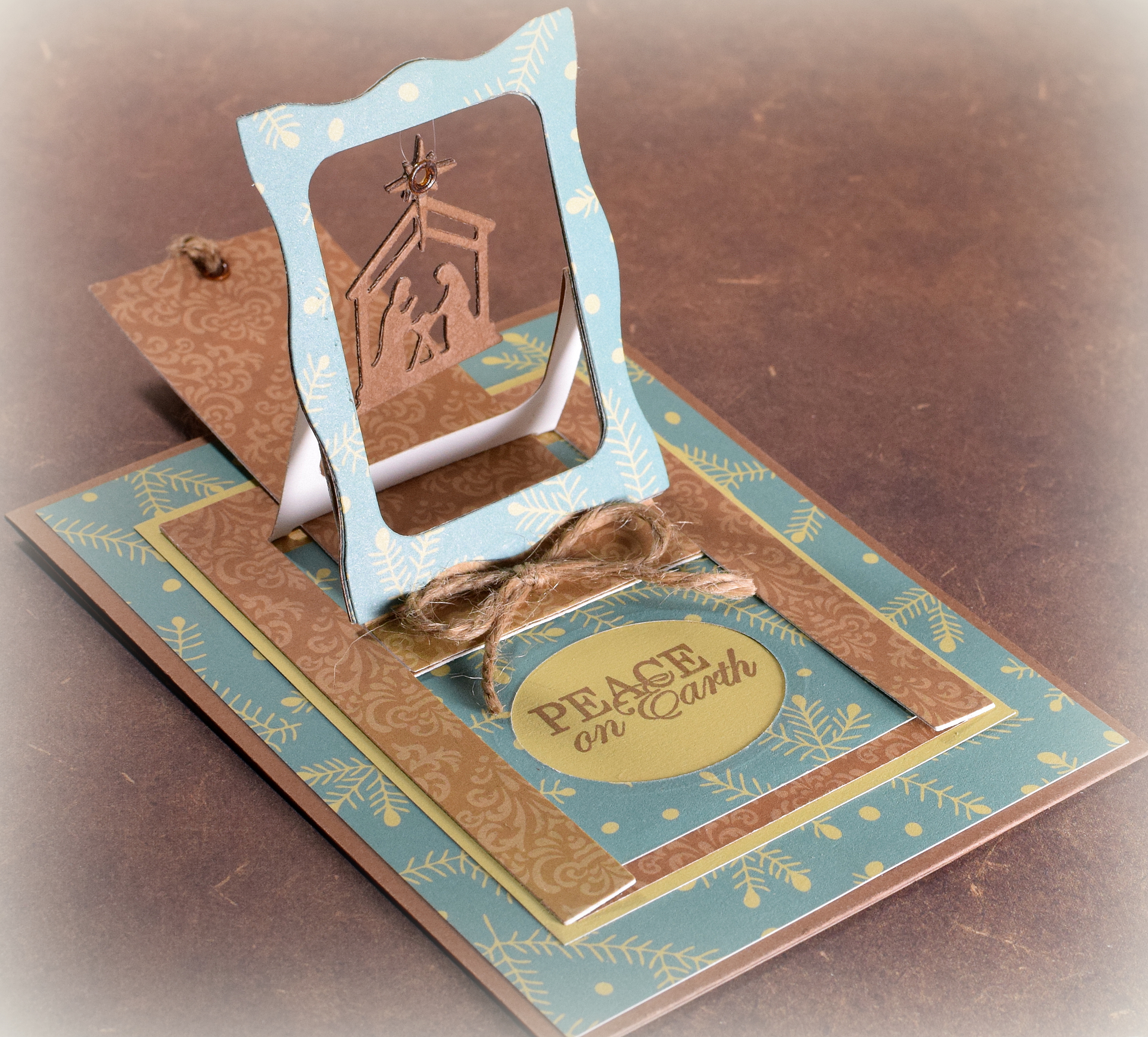
Hanging Nativity Charm Christmas Card

Hanging Nativity Charm Christmas Card
wDSC_7593

(inside:  Wishing you a Christmas season full of peace, goodwill, and joy!)

This project was made with the “Hanging Charm Pull Tab” die set from Elizabeth Craft Designs.

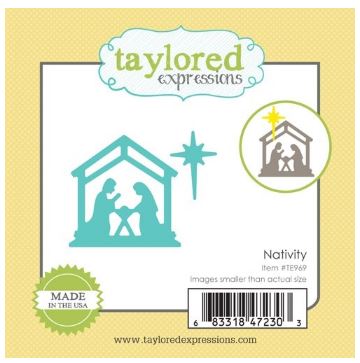
In addition to the pieces to create the card base, the die set also includes a few small dies to create some charms, but for this card, I found a small nativity die that fit in the frame perfectly.  It is called “Little Bits Nativity Christmas Die” from Taylored Expressions.  (The die measures 1 1/4 by 1 1/4 inch.)
die

To create the die cut, I pounced Gina K Warm Cocoa ink onto brown card stock (from the Recollections “Coffee and Cream” heavy weight card stock pack) with a leaf stamp ( from the Tim Holtz “Falling Leaves” set) and cut 2 of them so I had a thicker charm with a front and back.

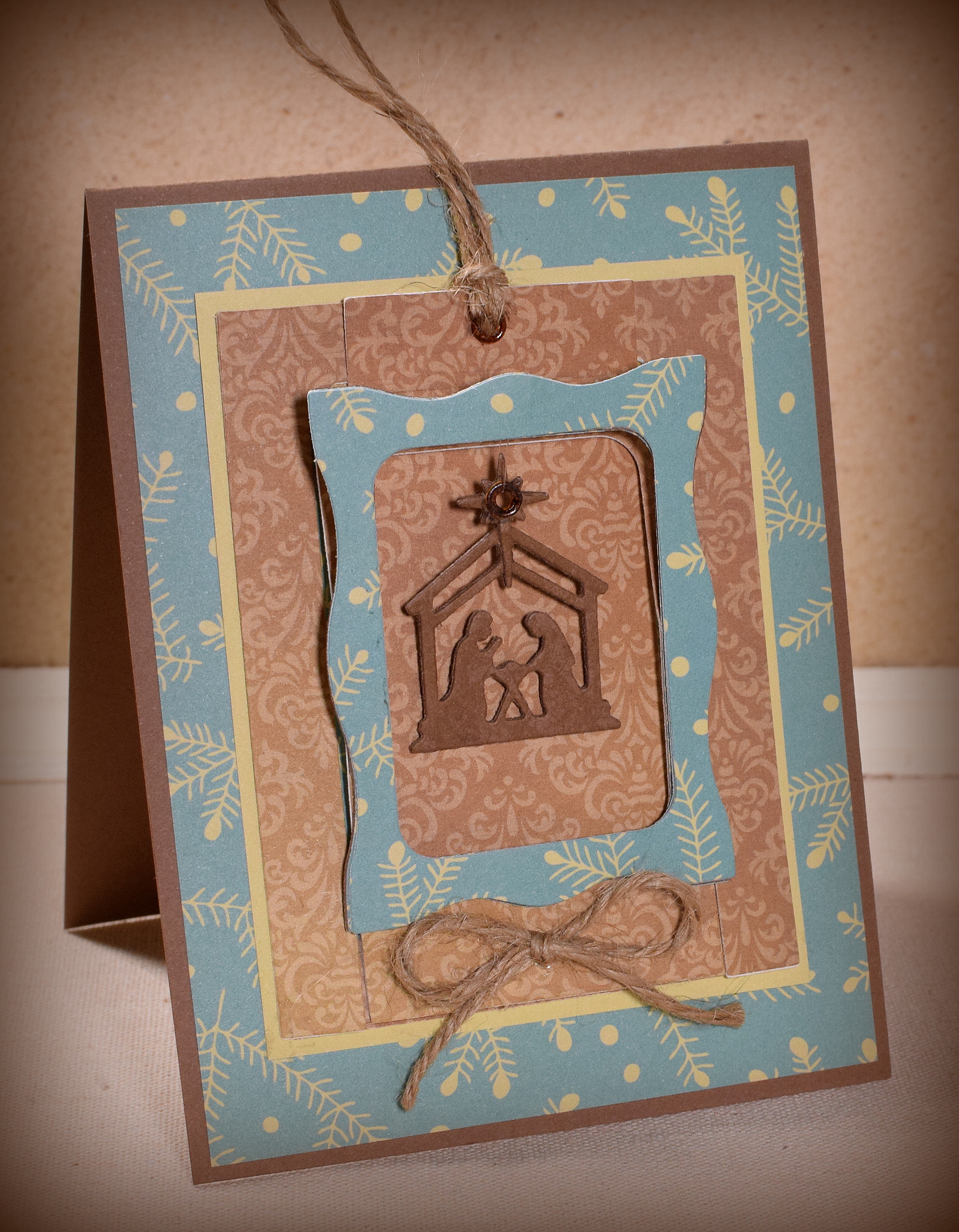
This is what the card looks like before the tab is pulled:
wwDSC_7581.jpg

The card stock is (the back of)  “A Christmas Story – Twilight Snowflake” by Reminisce, a sheet from the Love Nicole “Mistletoe & Holly” 12 x 12 paper pad, and Gina K Prickly Pear.  The A2 sized card base is the same brown that was used to make the nativity die.

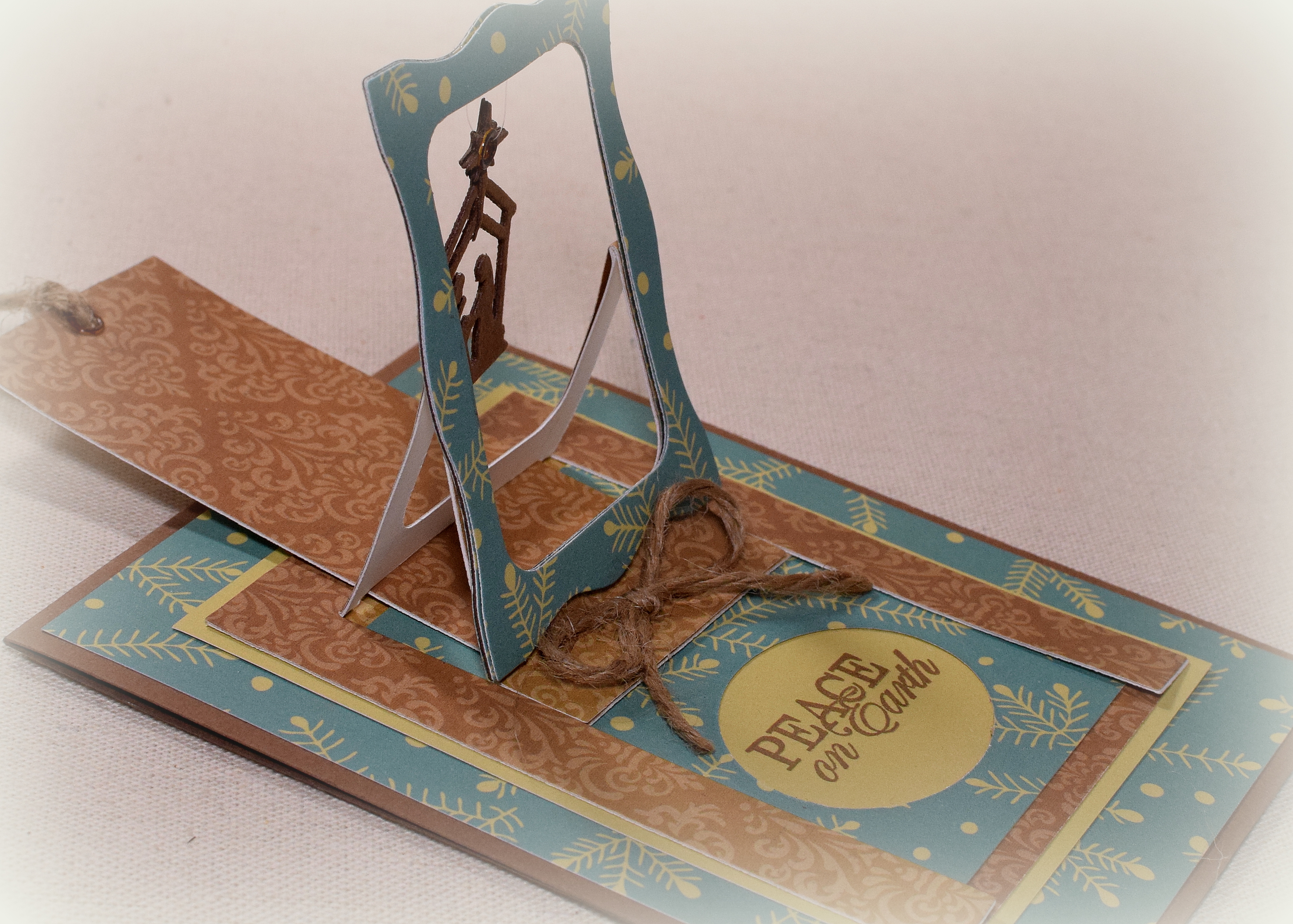
The greeting on the front (which is hidden until the tab is pulled to pop up the frame) is from the “Holiday Frame” stamp set by Gina K Designs, and the inside sentiment is from “Christmas Blessings” by Our Daily Bread.  Both were stamped with Gina K Dark Chocolate ink.  I used a Spellbinders Classic Oval die to frame the greeting.

I used my crop-a-dile and some eyelets to create the hole on the charm and for the pull tab.  I accidentally grabbed 2 different tan colors for the eyelets (oops!), so I colored them with Copic Marker E47 so they would look the same.  The charm was hung with clear, nylon thread.  Some jute twine finished it off.
wDSC_7584

The Modsquad Challenge this week is “Non Traditional Christmas Colors” where we are to use non traditional colors on our cards; no red, green, silver, or gold.  Anything else is good.  (Sadly, this site is no longer active.)

Over at the Die Cut Diva’s, the challenge this month is “Winter Time” where we are invited to share our winter-themed cards and projects.  In addition to the theme, all cards/projects must be made using at least one die cut or embossing folder (using any die cut machine including Cameo and Cricut machines).

Thanks for checking out my card project!

This content uses referral links as described in the disclosure policy on my sidebar.

Masculine Birthday Magic Window Card

Masculine Birthday Magic Window Card

wDSC_6830.jpg

This gatefold card has a cool “magic window” mechanism on the inside that reveals a hidden message or image when the card is opened.

Magic_Window_Card.gif

The hidden message or image disappears as the card is closed again.

wDSC_6834

The sentiment in the window is from the “Framed Greetings” set (retired?) by Gina K Designs, stamped with GK Charcoal Brown ink.  The sentiment below the window is computer generated.  The patterned paper is “Kraft Small Dot” and “Kraft Stripe” by Core’dinations.  I also used Stampin’ Up Tip Top Taupe card stock and Recollections heavy weight ivory.

I created a belly band which slides on the card when closed.

wDSC_6844

The image on the belly band is from the “Sketch a Party” set by Stampin’ Up and was also stamped with GK Charcoal Brown ink.  The circle panels were cut with dies from the Spellbinders Large and Small Standard Circles dies.

Thanks for checking out my card project!

Football Slider Birthday Card

Football Slider Birthday Card

wDSC_7082.jpg

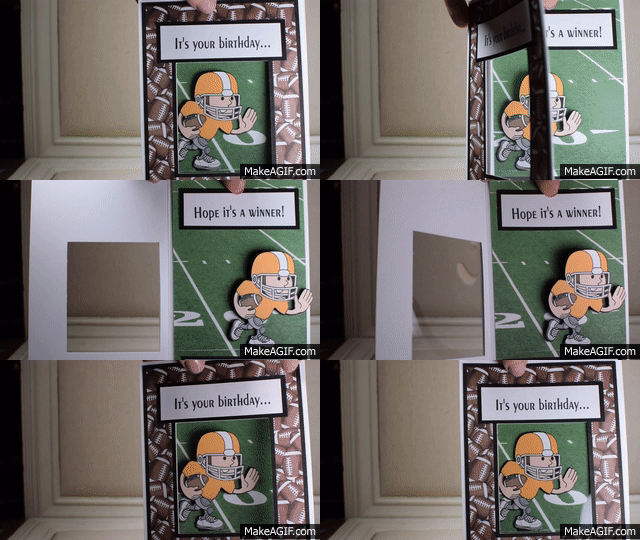
In a recent post, I shared an interactive card that I had made for my husband for our anniversary.   The card had an element that slid from left to right when the card was opened.  (HERE is a tutorial on how I made it.)  This type of card can be made with a variety of sliding elements, and here is another sample I created with an image of a football player.

Football Player GIF

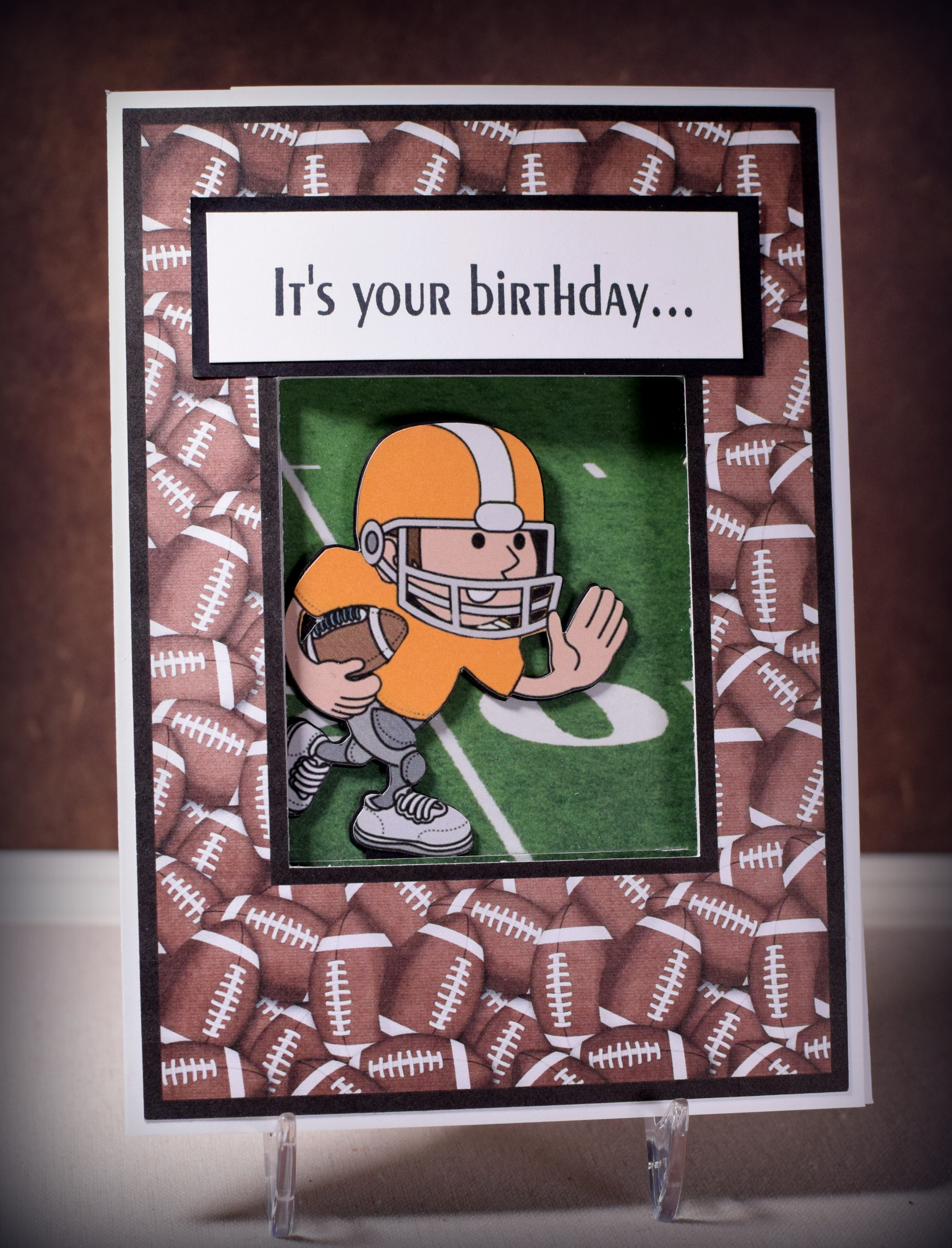
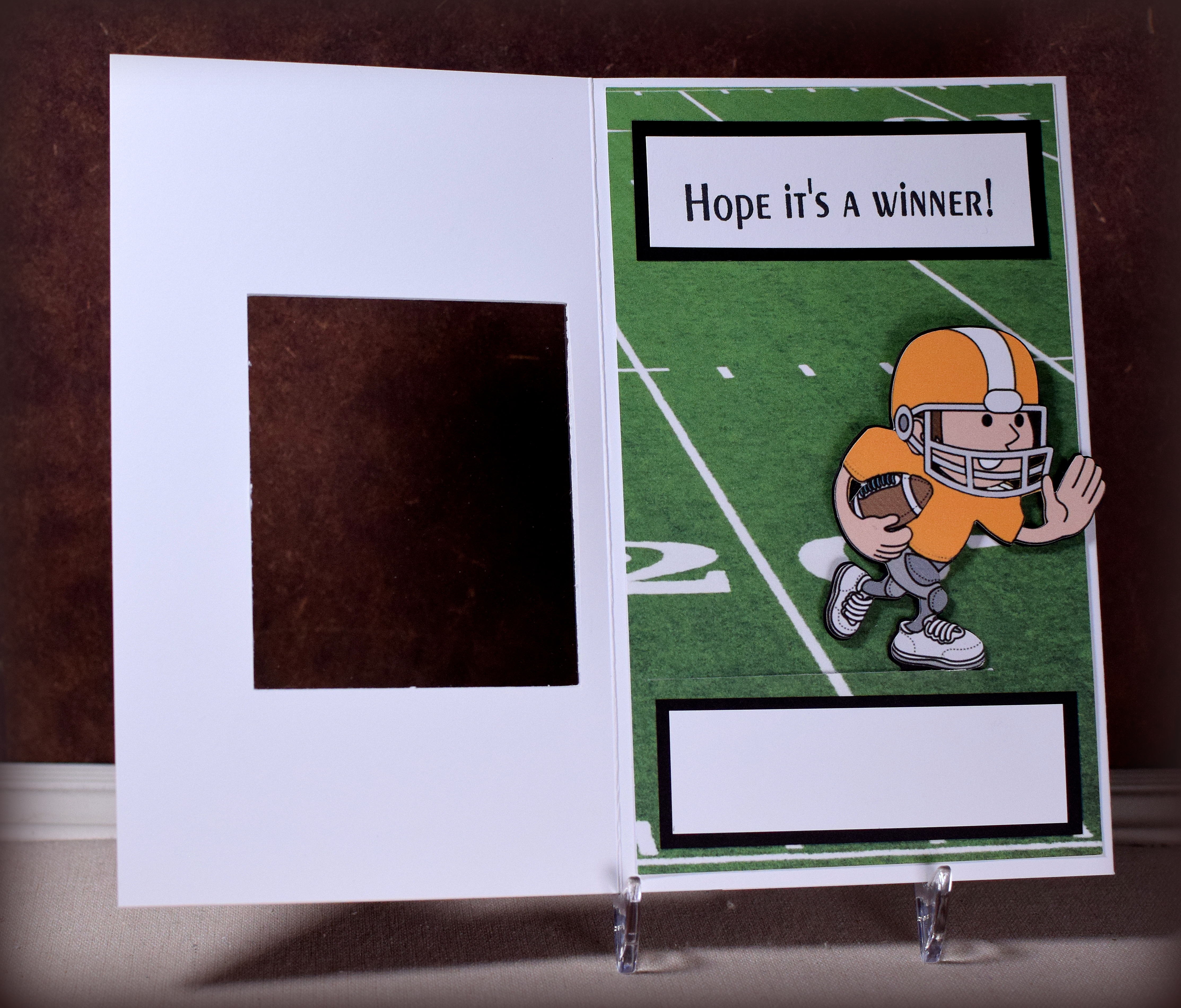
For this one, I created a cut out window on the front.  When the card is closed, you can see a portion of the inside scene.  I made the border/frame kind of wide so there is room inside to put a sentiment and signature panel that does not show through the window when the card is closed.  A piece of acetate covers the opening.

wDSC_7091.jpg

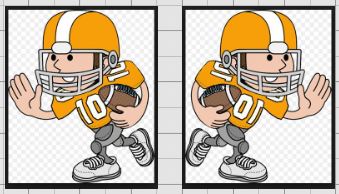
The football player was a google clipart image that I traced and cut with my Silhouette.  I needed him to “run” to the right so I flipped the image which I thought was quite clever until I realized that the numbers on his jersey flipped also and were backwards.  Of course I didn’t notice this until the card was done and I was ready to post!

flipped image with numbers

I needed to go back and doctor the original image with my Silhouette software to remove the numbers, create a new die cut, and layer it over the old one.  Ugh!!!  Note to self… avoid images with letters and numbers when using mirror images.

The football field was also a google image.  There were many field choices; I chose one that put my player close to his end zone.

The printed paper on the front is from a digital scrapbook kit called, “Touchdown Football” by JssScrapBoutique which I purchased on Etsy.  I imported the football pattern into my Silhouette software and “filled” in the frame I created.  I added the black border and had the machine cut it out.  (The kit contains a frame with this pattern, but it is square, and I needed a rectangle to fit on my card front.)

The greeting and inside sentiment were stamped with Momento Tuxedo Black ink and were both from custom stamps I had made at rubberstamps.net   I’ve had stamps made there before, but this time, I realized that you don’t need to order individual stamps for each greeting or short sentiment.  You can put several greetings/sentiments (as different lines of text) on the same stamp and cut them apart when they arrive.  A big money saver!

Thanks for checking out my card project!

Perfect Together Anniversary Slider Card

Perfect Together Anniversary Slider Card

wwDSC_6942.jpg


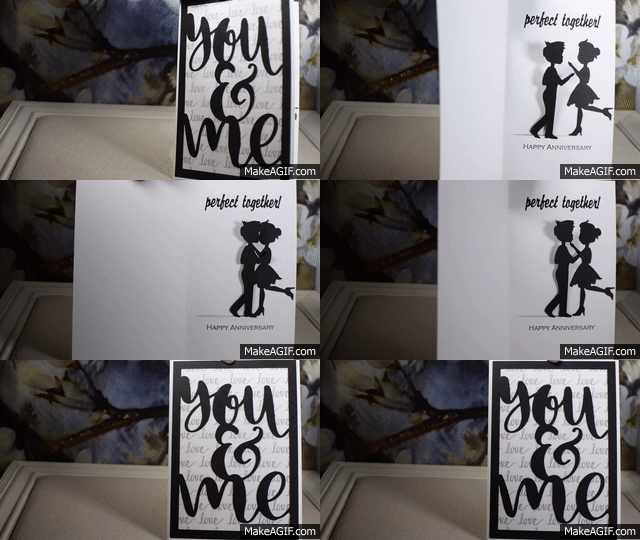
This interactive card has a cute couple inside that comes together for a kiss and hug when the card is opened  I made this card for my husband for our 30th wedding anniversary.

Perfect Together GIF

I had seen a card with a similar sliding element online a while ago and searched high and low for a video tutorial on how to make one.  I finally found one, but there seemed to be an error with the measurements because the pieces did not fit properly and the card would not open all the way.  (Maybe it was me!)  Anyway, I took the general concepts from the video and got to work trying to figure it out.  After going through quite a bit of paper, I came up with something that finally worked for me.  (HERE is a tutorial on how I made mine.)

The man and woman die cuts were adapted from an image I found online that I “traced” and cut with my Silhouette software and die cutting machine.  I cut several of each and layered them to make them thicker.

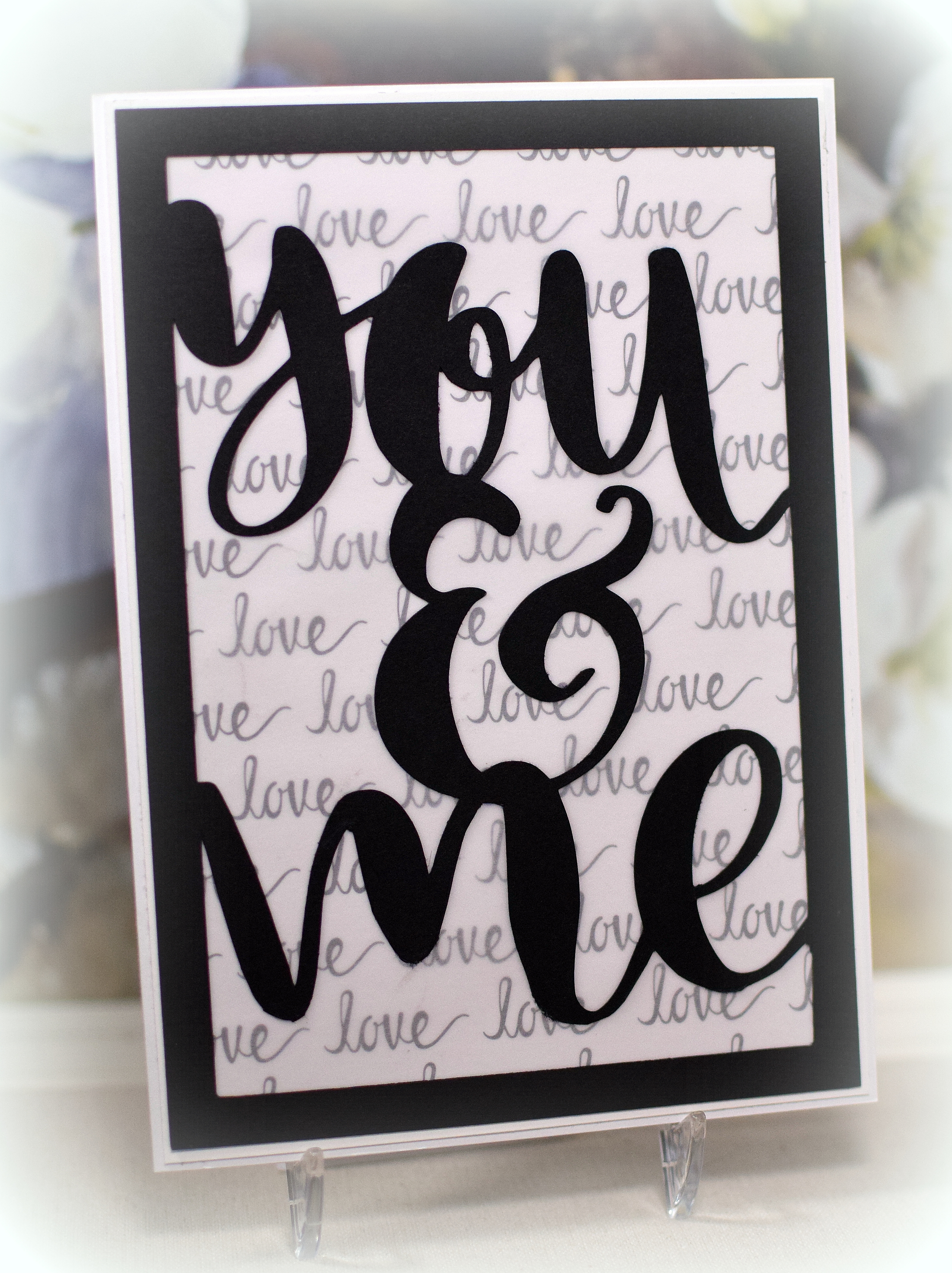
The black die cut frame on the card front was made with a silhouette file called “you and me” by Rhonna Farrer (design id #173722) that I purchased in the Silhouette store.  The file contains the words, and I sized and welded it to the frame I created.  The Love Word paper is by The Paper Studio.  I covered it with a piece of vellum so it wasn’t so dark and busy behind my die cut frame.  The “perfect together” on the inside was also created and cut with my silhouette.

The anniversary stamp was from the “Lacy Borders” set (retired?) from Gina K Designs.

wDSC_7077

Thanks for checking out my card project!

This content uses referral links as described in the disclosure policy on my sidebar.

Surprise! Graduation Thank You Card

Surprise! Graduation Thank You Card

wDSC_7251

Here is the third of the three designs I came up with for graduation thank you notes for my kids.  For this one, the front is deceivingly simple, but when the card is opened, a decorated cube jumps right out of the card!

Surprise_Graduation_Thank_You_Card .5 speed GIF.gif

How fun is that?!

There is a panel inside for a handwritten message that is seen after the cube pops out.

wwDSC_7254

The greeting was downloaded and printed from a file called “Free Wedding Text Digital Stamps” I found online at Digital Doodling.  This same “thank you” was on the front and on two of the sides of the cube.  The “class of 2017” on the other two sides of the cube was a digital image I found at Geographics.com (although I am no longer seeing it there).  I found the same image on etsy (for 2018) HERE by createsvg4you.

Black and white card stock was used, along with a rubberband inside the cube that allows it to fold flat and pop open.

The cube is from a Silhouette cut file called “Insta-Cube Card Graduation” (design id #198862) which was designed by Lori Whitlock.  In addition to the cube base (and a box that holds the cube which I did not use here), the file contains graduation elements with which to decorate the cube, but I did not use them for this project.  I think the cube is meant to be the card, but I needed mine to have more space for writing, so I just put the cube inside another card.  Here is a video showing how to assemble the cube along with other themed sets that are available.

wDSC_7252

Thanks for checking out my card post!