Practicing for the Big Night – Wiper Card

Practicing for the Big Night – Wiper Card

wDSC_2915.JPG

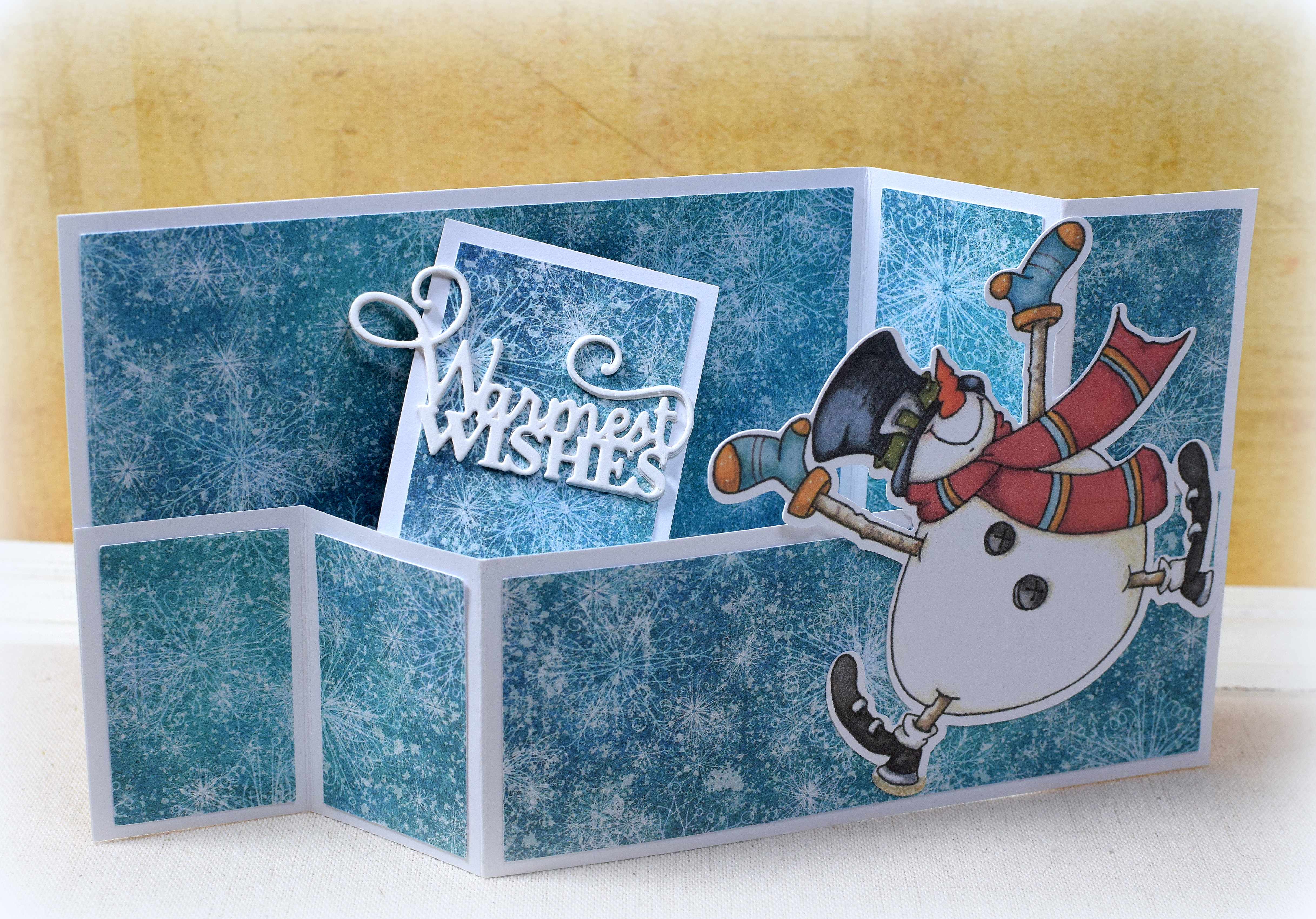
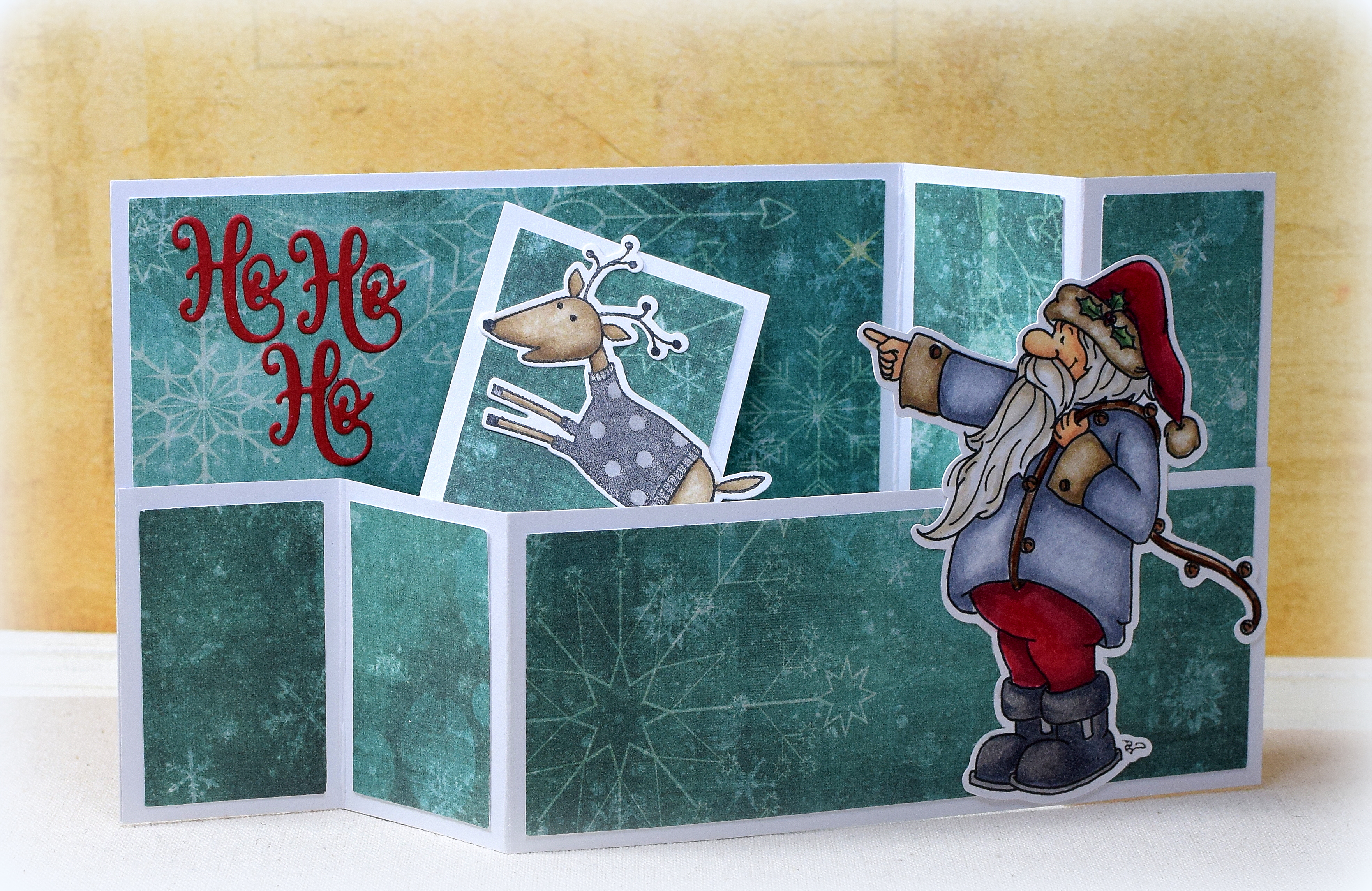
Here’s another holiday wiper card…

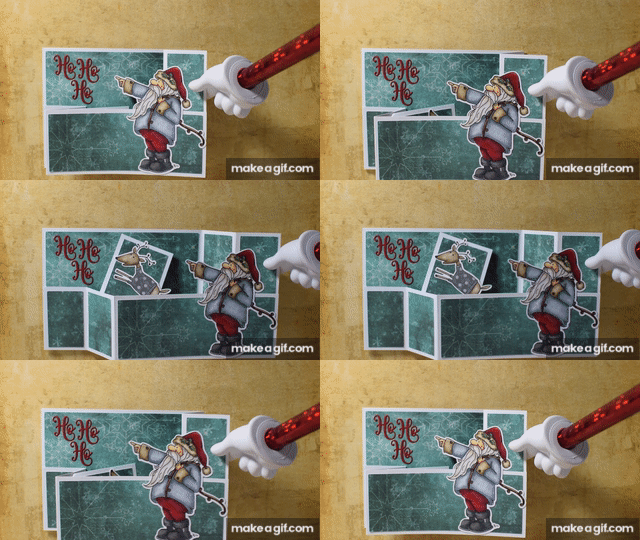
For this one, I used a digital image called “Once Upon a Star Santa” (no longer available) from Sassy Cheryl’s Illustrations (shop now closed).  A flying reindeer appears when the card is pulled opened.

Practicing_for_the_big_night_wiper_card.gif

The reindeer is from the “Reindeer” stamp and die cut set (#657780) from Hero Arts/Sizzix (retired).  He was stamped with Memento Tuxedo Black ink, cut with the included die, and colored with Copic markers (T2, T4, E43, E44, and a colorless blender).

The Santa image is available as both a line art image and a colored image.  For this card, I used the line art image but CASED Chery’s colors.  I flipped him to be facing towards the left and colored him with Copic markers :  hat, pants, and fur – R46, R56, R59, G24, G29, E43, E44, 0; jacket – C3, C4, C5, C7, 0, E47: Boots – T2, T3, T4, C7; hair – T0, E42; Skin – E50, E21, E13; reins – E23, E25, E27, E29).  It has been a while since I did any coloring, and I really enjoyed it!  I used my Silhouette software to trace and cut him out.

The greeting die cut is the “Festive Mini Expressions – Ho Ho Ho” by Sue Wilson/Creative Expressions.

The patterned paper is from a digital file called “Snowy Paper” by SBDigitalDesigns that I purchased on Etsy.

wDSC_2918

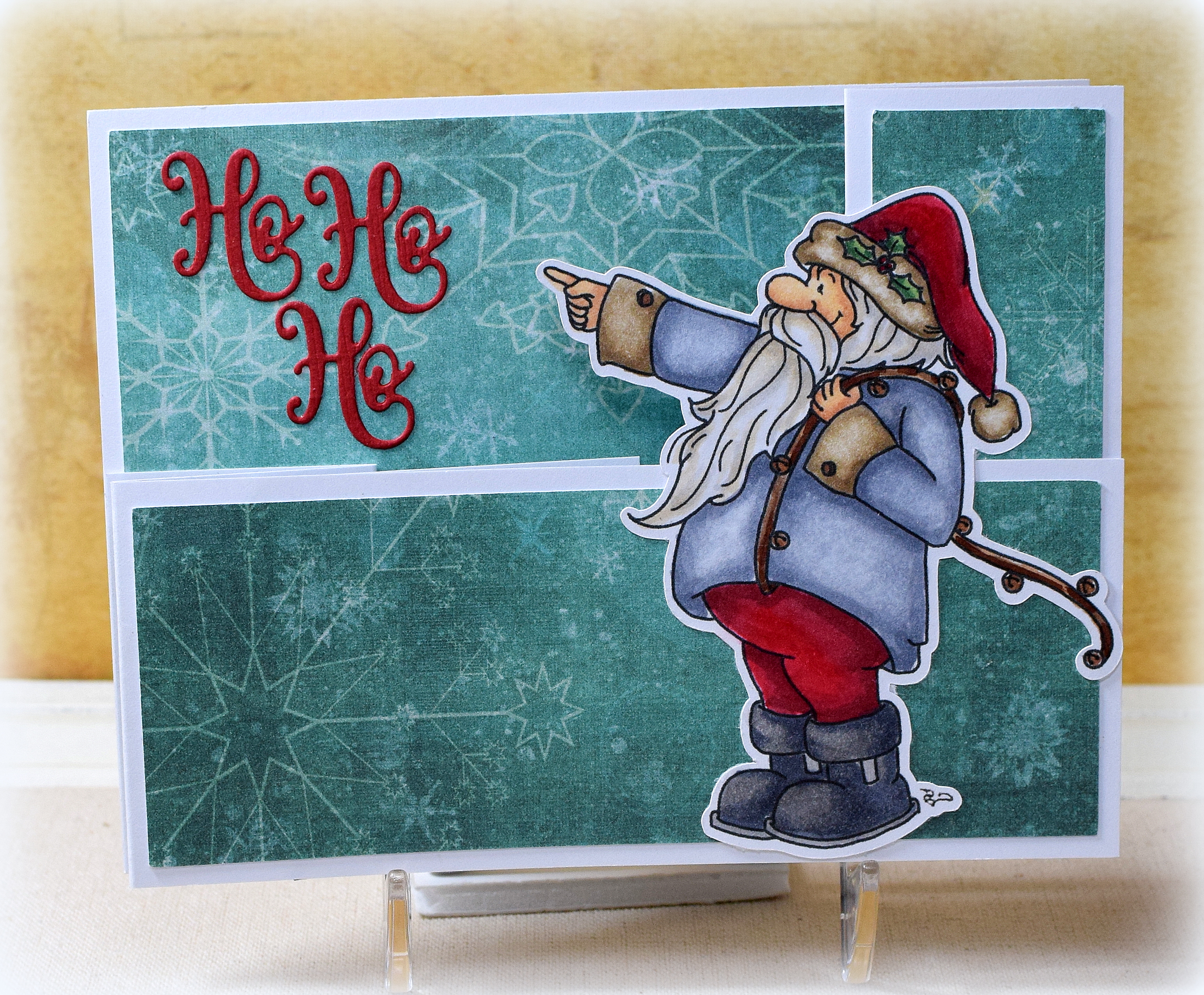
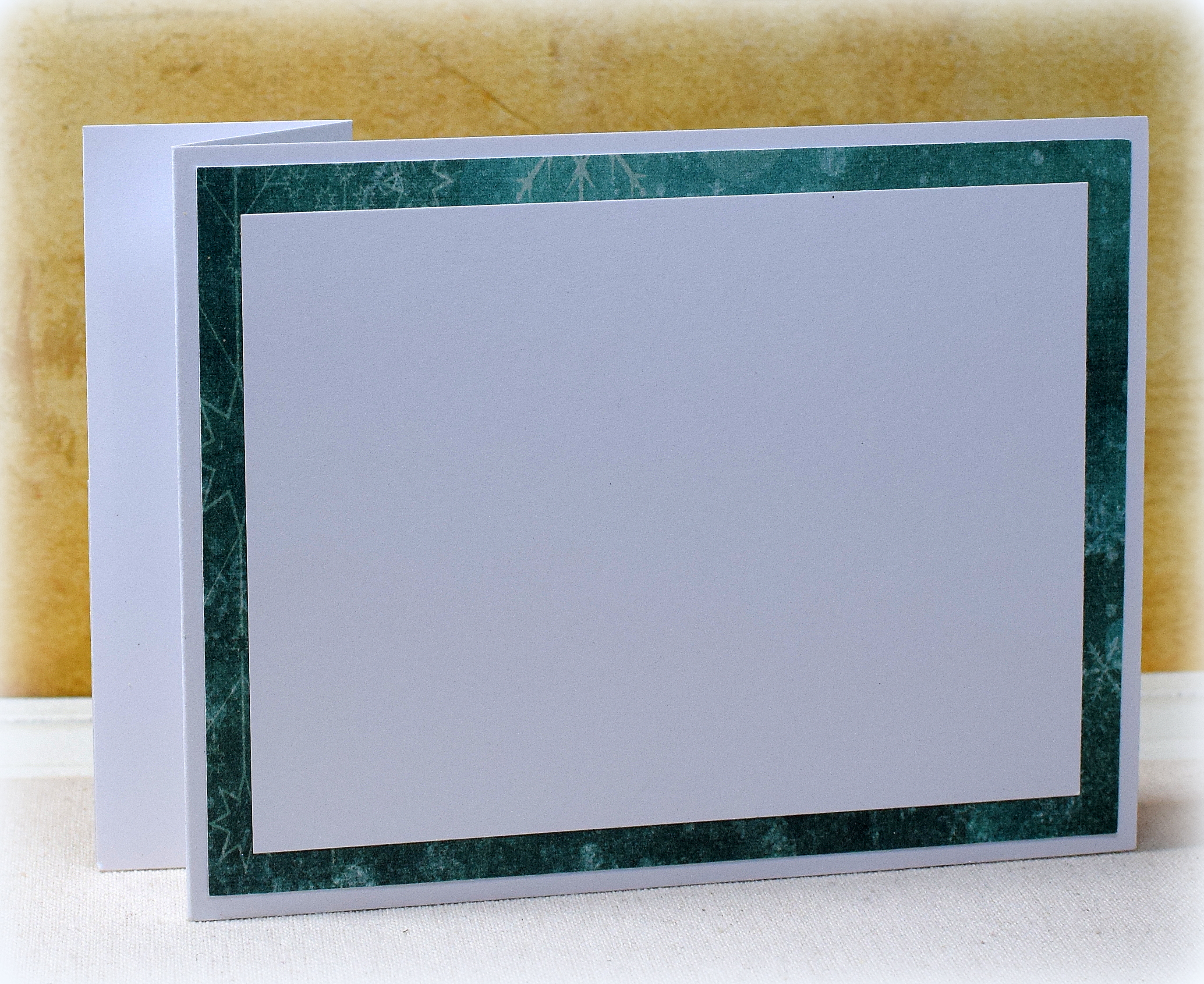
This A2 size card has room on the back for a handwritten or stamped message and folds flat for mailing.

wDSC_2931

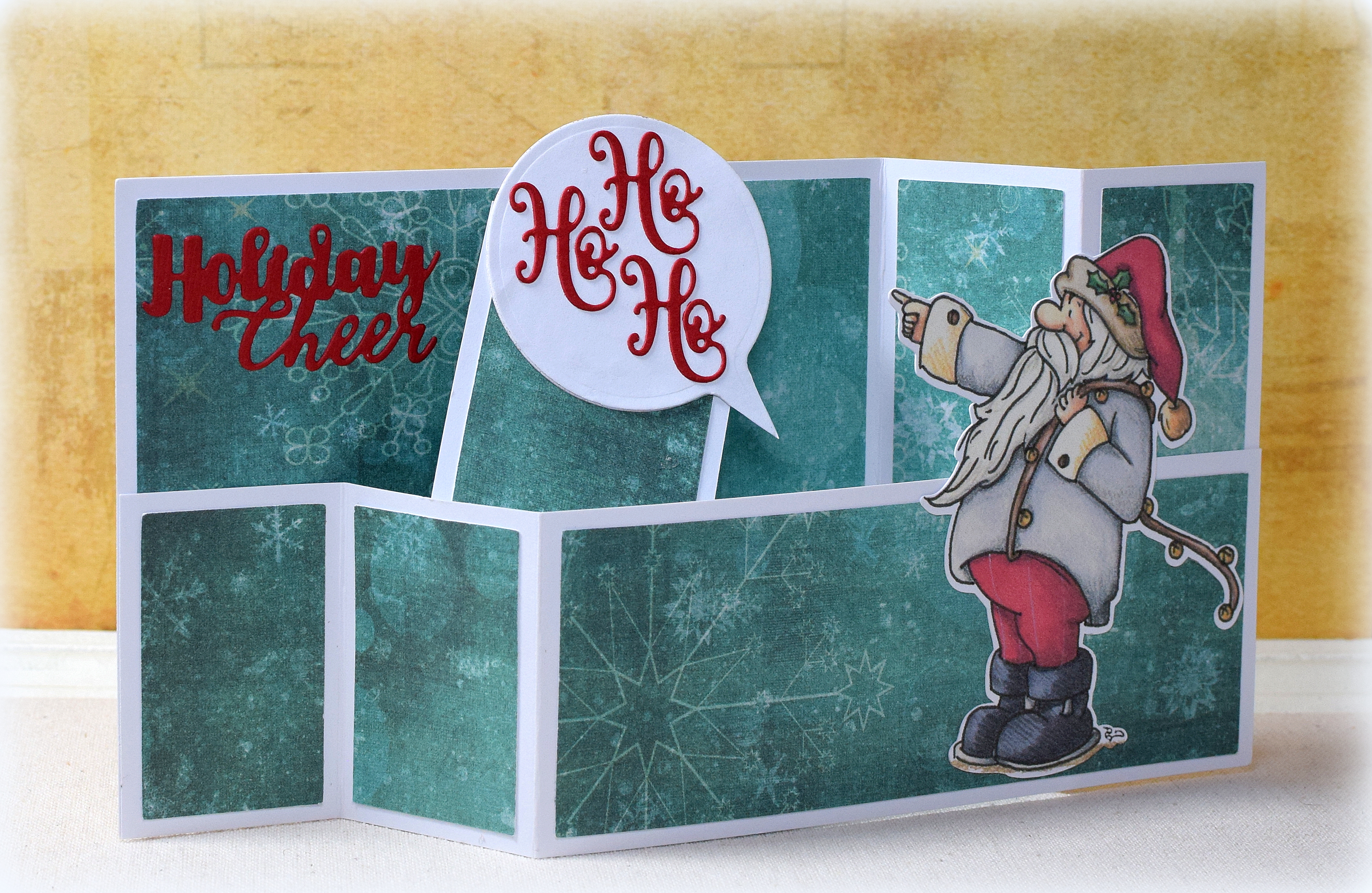
Here is a slight variation using the pre-colored version of the Santa image:

wDSC_2927

The “holiday cheer” die cut is from the Sizzix “Christmas Tree Flip and Fold” set (#662281), and the speech bubble is from the Spellbinders “Tag That!” set (SCD-022) (trimmed to fit).

If you care to see the instructions on how I made this wiper card, you can check out my previous post.

Thanks for checking out my card project!

This content uses referral links as described in the disclosure policy on my sidebar.

Santa’s Ride – Wiper Card

Santa’s Ride – Wiper Card

wDSC_2856.JPG

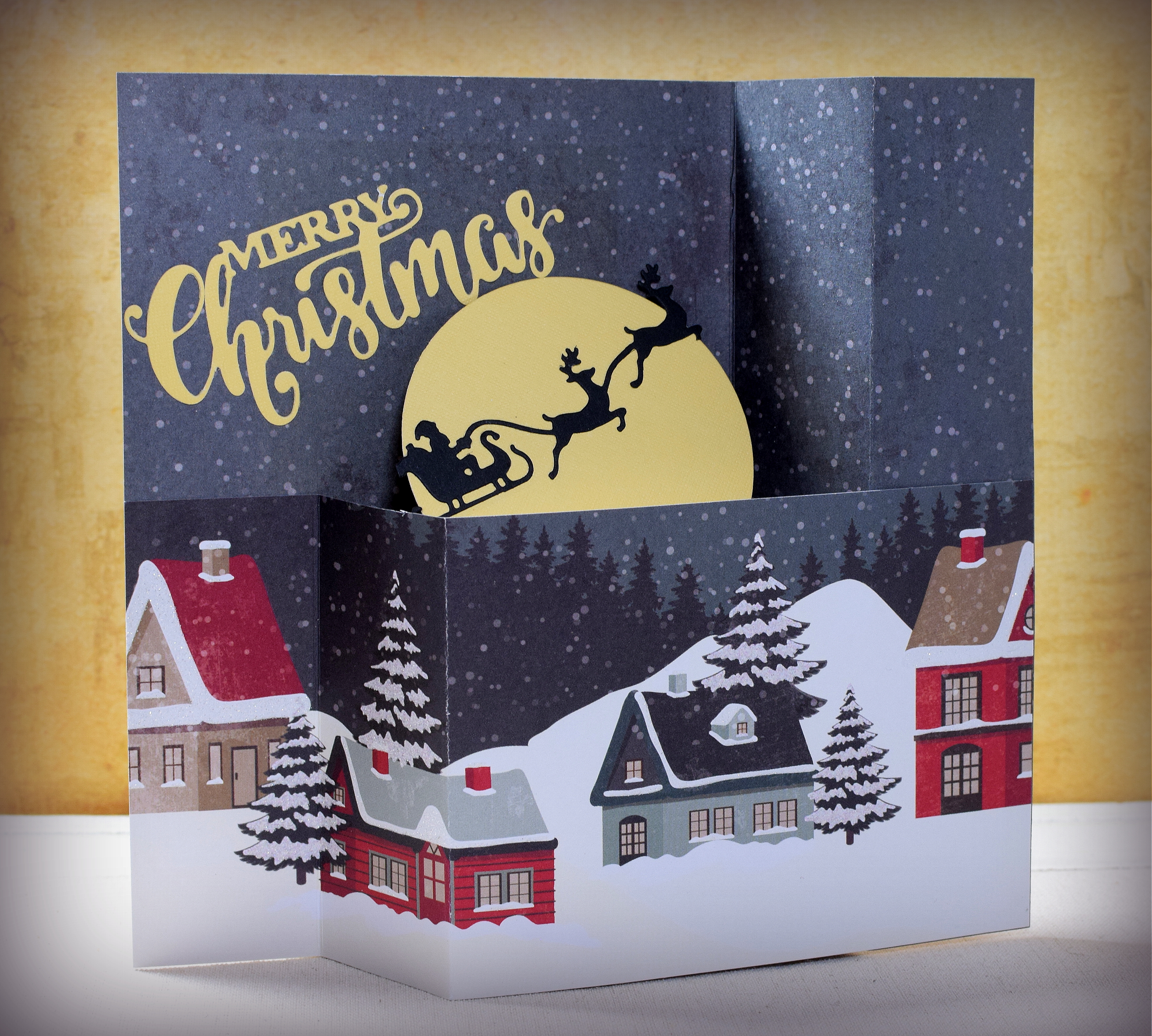
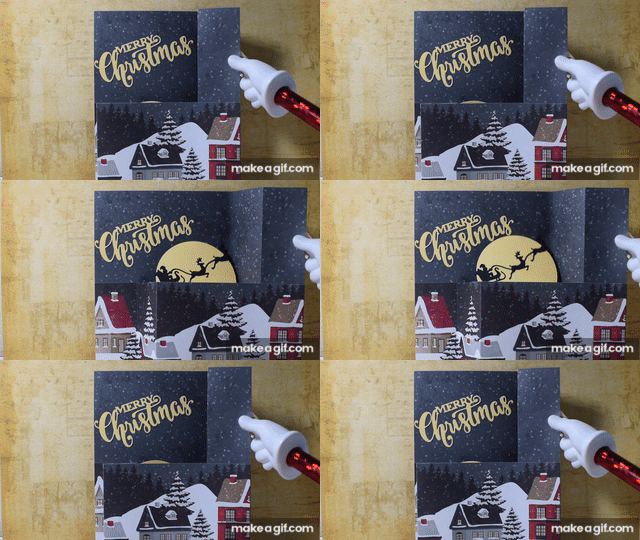
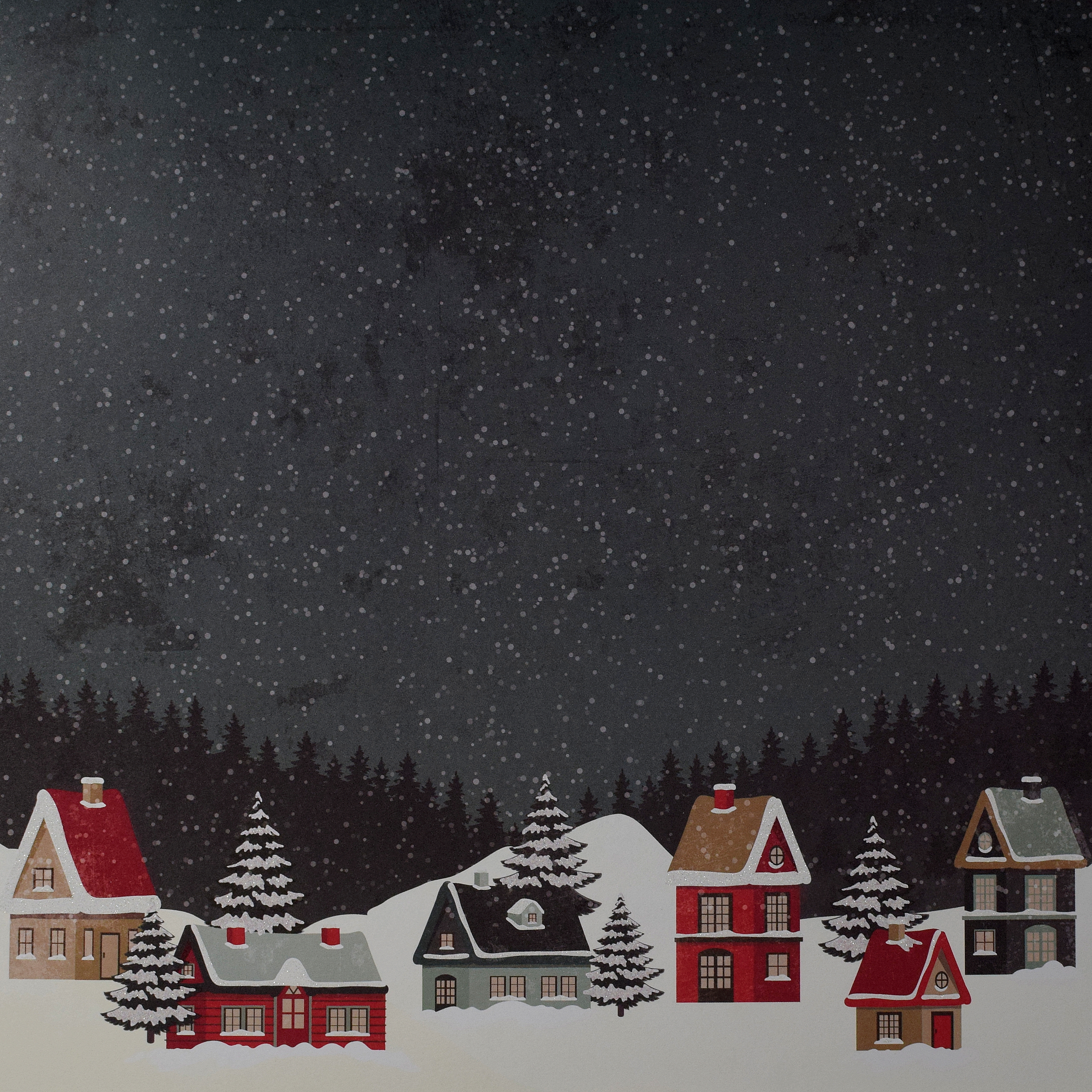
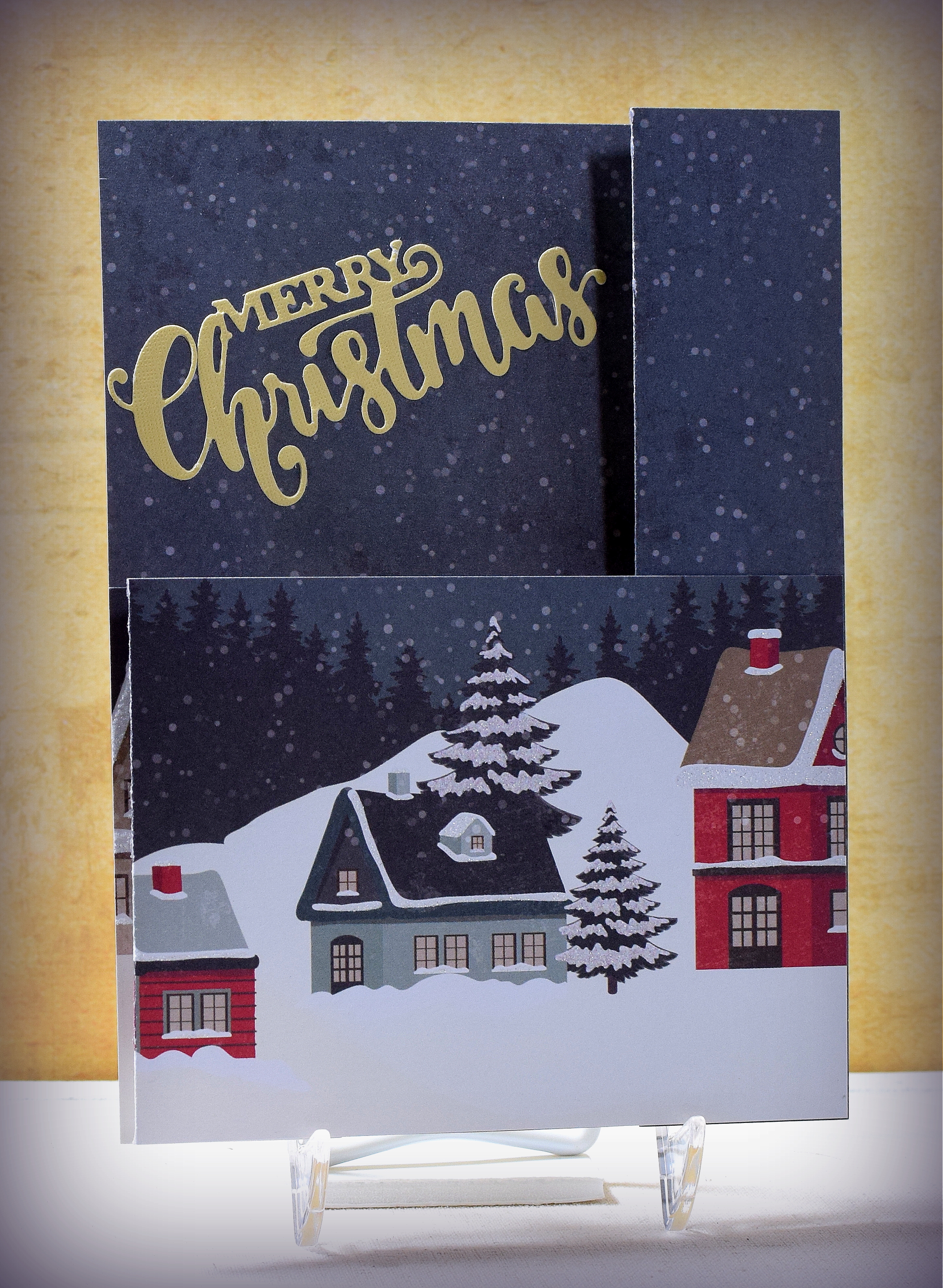
I saw this sheet of patterned paper of a snowy night scene, and I immediately thought it needed Santa flying over head!  I added the moon with Santa in his sleigh to the pop-up mechanism tucked inside the 5″ x 7″ double z-fold card base to create a wiper card.  When the card is “opened” Santa appears with the moon.

Santa_s_Ride_Wiper_Card

This 12″ x 12″ paper was in the “Evergreen Cabin” Paper Pad by Craft Smart (at Michaels).

wDSC_2884

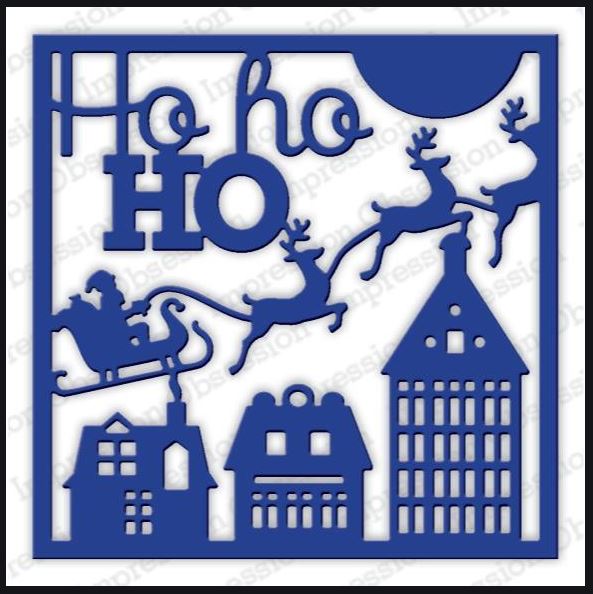
The greeting is the Festive Mini Expressions Stacked Merry Christmas (CEDME014) by Creative Expressions.  The Santa die cut was a portion of the “Ho Ho Ho Square” (#590-ZZ) from Impression Obsessions.  (I cut off the Santa and two reindeer from the rest of the die cut.)

Ho Ho Ho Square die

To make the 5″ x 7″ double z-fold card base, I started with an 8″ x 7″ panel (from the top of the patterned paper) and scored it at 5″ and 6 1/2″.  The shorter panel (from the bottom of the patterned paper) was 8″ x 3 3/4″ scored at 1 1/2″ and 3″.  I previously made an A2 size wiper card and included instructions on how to make it in that post.  This card is made the same way but with larger panels.  The wiper/pop-up panel started out as a rectangle (same as in my instructions), but I added the circle die cut to it and trimmed the part of the rectangle that was showing around the circle.

There is plenty of room on the back for a stamped or handwritten message.  This card folds flat for mailing.

wwDSC_2855

Thanks for checking out my card project!

This content uses referral links as described in the disclosure policy on my sidebar.


Beach Scene Shaker Card

Beach Scene Shaker Card

DSC_2500ww

I wanted to make a thank you note for the generous couple who let us stay at their beach house last week and thought using sand and shells from “their beach” would be great in a shaker card for them.

I sponged the sand, sea, and sky with Gina K Tranquil Teal and Kraft inks on white card stock and then added the sand and water details with the same inks and stamps from the Stampin’ Up “Timeless Textures” set (retired?).  The sandpipers are from the Stampin’ Up “Wetlands” set (retired?), and the greeting is from the “Banners” set from Joy! Crafts.  Both were stamped with GKD Charcoal Brown ink.

I cut the beach scene panel with a stitched frame die (unbranded) and then backed the frame with a piece of acetate.  (I have to admit I was a bit nervous at first about cutting my “finished” sponged and stamped panel after spending all the time to create it, but I really like how the scene ended up being continuous across the raised frame and the inside portion of the shaker panel.)  I layered GKD Tranquil Teal and Recollections Kraft mats and cut a rectangle from the center (that was larger than the frame opening but smaller than the frame).  Those layers were then adhered behind the frame/acetate panel to create the raised portion of the shaker element and card front. (I added the mats in this way instead of directly to the card base because I wanted the card front to be flat instead of having the shaker panel sticking off the surface.)

To create the recessed, background piece of the shaker panel, a double layer of fun foam, cut with the same frame die, was glued to a scrap of card stock.  The portion of the sponged/stamped scene that was “left over” from the frame die cut was dropped into the opening of the stacked, foam frames.  The sand and shells were then added.

Before sealing up the shaker panel with the matted top layer, I gently wiped/patted the acetate with a dryer sheet to remove the static.  There was a lot, and the sand kept jumping up onto the acetate before it was “treated” – lol!  If you do this, just be careful not to scratch the acetate.  After the static was eliminated, the two panels were glued together trapping the sand and shells inside.

The finished shaker panel was adhered to a GKD Tranquil Teal base.  A white panel was added to the inside so I could write my message.

Over at the Modsquad Challenge Blog, the challenge this week is “A Time for Giving” where we are to “make a card to demonstrate GIVING such as kindness, thankfulness and friendship.”

Thanks for checking out my card project!


90th Birthday Spinner Card

90th Birthday Spinner Card

90th bday spinner card DSC_2522w

I made this card for my father-in-law who turned 90 this past summer and another one for my dad who turned 80.  Happy Birthday, Dad and Dad!

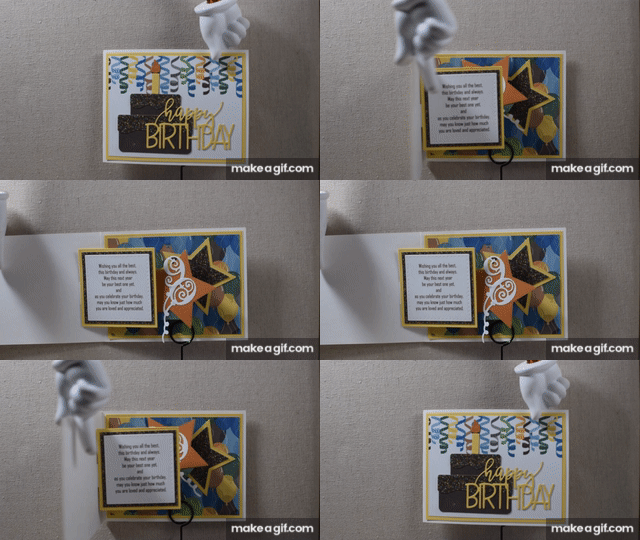
This card has a spinner pop-up element on the inside that was made with a die from the “Spinner Square Pop-Up” die set (#1042) by Karen Burniston.  There is a video tutorial that I found helpful in assembling this card.  (I also found a video for making this type of card without the die set in case you are interested.)

90th_bday_spinner_card (gif)


This set contains the spinner/pop-up die along with some decorative squares, a border, and photo corners.  There is no theme to this set which makes it very versatile but also requires additional supplies and more thinking/planning – lol!!.  (The cake and greeting on the front and the numbers/balloons and stars on the inside did not come with this set.)

Here is the inside of the card:

90th bday spinner card DSC_2534w

I made the number balloons by cutting off the balloons (of a balloon die cut) from their strings and replacing them with the number die cuts.  (I  made “80” balloons for my dad’s card.)  I added these to a die cut star that I attached to the swinging arm element hiding behind the sentiment panel.

The patterned paper I used came from two digital paper packs I purchased on Etsy:  “Celebration Masculine” by JLaurieStudios and “Birthday Party Boy” by POPprintonpaper.  I also used Gina K Designs Sweet Corn, Core’dinations Valentia, and white card stock.

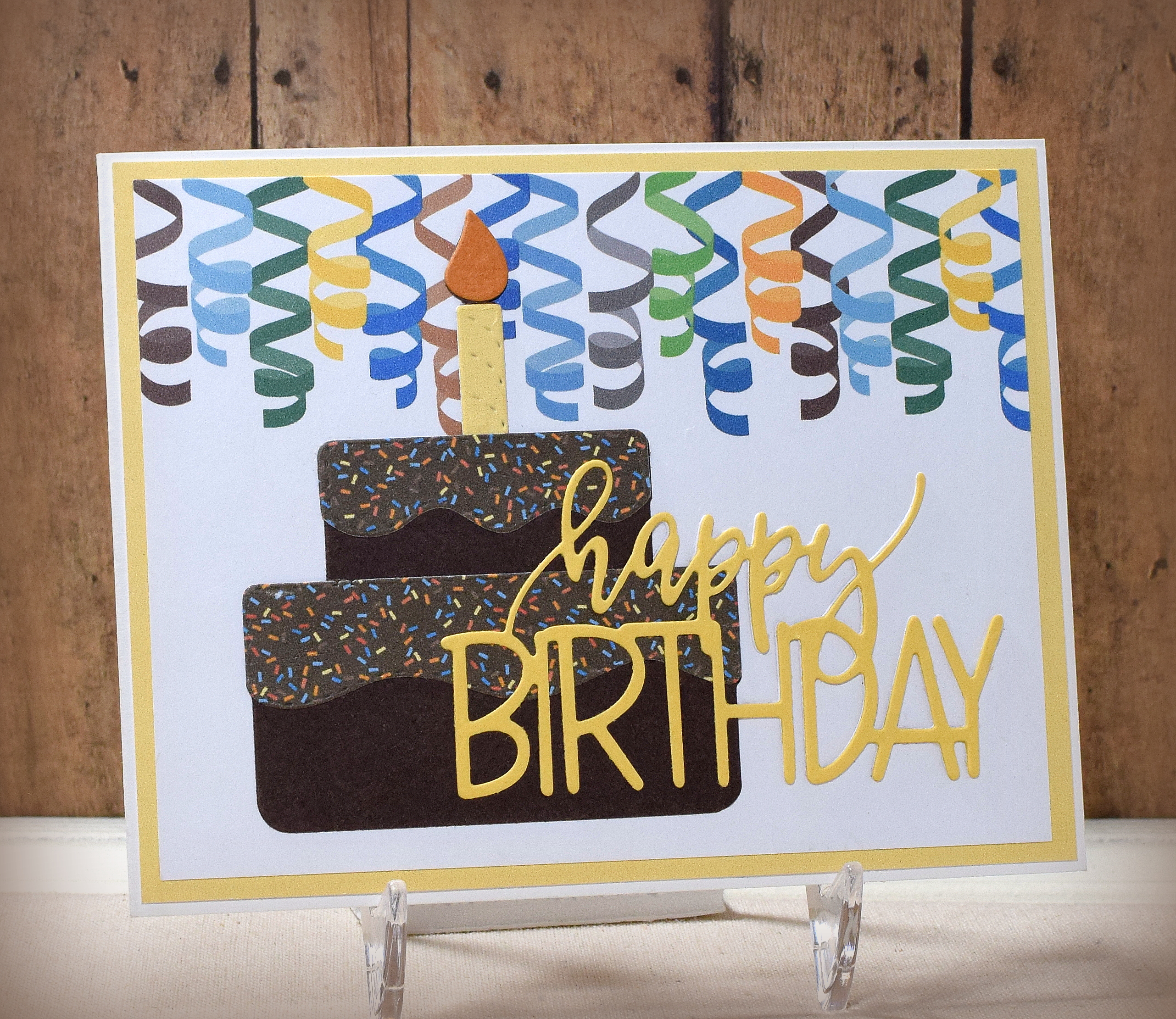
I used several birthday-themed dies to complete my card design:  The Birthday Cake die set (unbranded – looks like this one one but smaller?), Sizzix Happy Birthday 3-D Drop-ins Thinlits Dies (Stephanie Barnard), Stitched Nesting Stars (unbranded), Numbers (unbranded), and Balloons (unbranded).

The sentiment was computer generated.  I was planning to use one of the stamps from the “Tucked In: Birthday” mini stamp set from Papertrey Ink, but both ended up being too big for the panel on which they were to be stamped.  (I should have checked that before creating the card!)  After a brief panic, I decided to type it instead.  In this way, I was able to adapt/combine parts of both of those messages for my sentiment.

Thanks for checking out my card project!

This content uses referral links as described in the disclosure policy on my sidebar.


Graduation Slider Card

Graduation Slider Card

zDSC_1326.jpg

It’s that time of the year again…

I found this fun stamp at DRS Designs called “Culmination Graduation Greeting” (#1126K) which I thought was good for college (or grad school) graduates since they were “done” with their education.

This interactive card has a die cut graduate that “runs” across the inside of the card when it is opened.

graduation slider card gif.gif

I needed several of these cards for both female and male graduates.  This is the inside for the guys:

wDSC_1271

This is actually a card design I made last year but hadn’t shared.  By the time I was ready to photograph and post it, it was well past graduation season so I decided to wait until now.  In addition to the design above, I had also made some with the year.  Change the year, and it works for any graduating class!

yDSC_1320

The “Class of  2018” was from a digital file that I purchased on Etsy.  (My saved link for that file no longer works.)  The same file for 2019 can be purchased HERE at ThankYouDadDesign.

I purchased the die cuts for the insides of the card from the Silhouette store and cut them with my Silhouette electronic die cutting machine.  The female graduate is from a file called “Graduation” (design #82728) by Studio Ilustrado, and the male graduate is called “Jumping Graduate Boy” (design #197569) by Sarah Bailey.

The background paper is “Black Congrats” (0S-003-00093) from DCWV (retired?).  The sentiment on the inside is from the “Flower Builders” set from Gina K Designs.

I made two other slider cards in the past (an anniversary card, and a football themed birthday card).  If you care to see how to make a card like this with a sliding element, check out my tutorial HERE.

I had a little trouble getting the white to look white in the photos.   😦

Thanks for checking out my card projects!

This content uses referral links as described in the disclosure policy on my sidebar.